


| Brand | |
|---|---|
| Buttons | |
| Color | |
| Lighting | |
| Resolution | |
| Model |
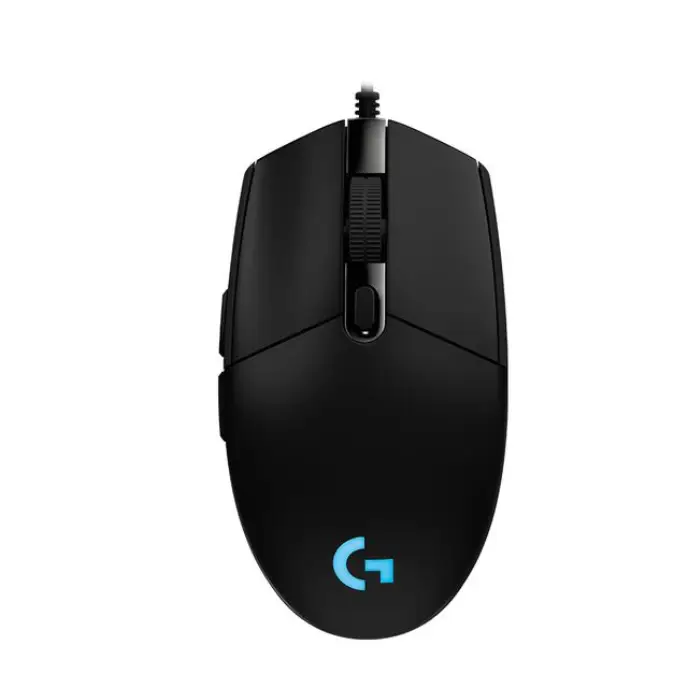
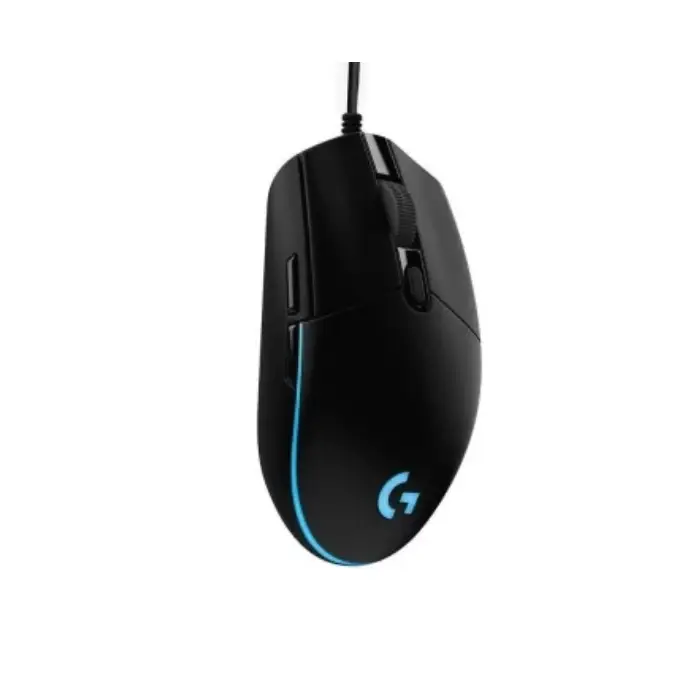
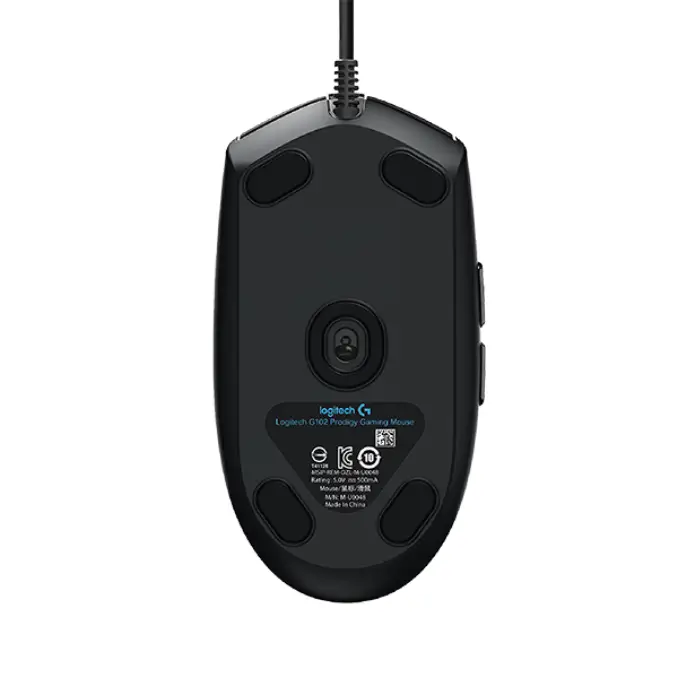
Logitech G102 LIGHTSYNC RGB 6 Button Wired Gaming Mouse – Black
Make the most of your game time with G203 gaming mouse available in a variety of vibrant colors. With LIGHTSYNC technology, a gaming-grade sensor and a classic 6-button design you’ll light up your game and your desk.
Easy Customization
Pick one color, blend three, choose a fun animation preset, or make your own. The choice is yours! You can even sync your mouse with other Logitech G LIGHTSYNC gear so it’s a perfect match.
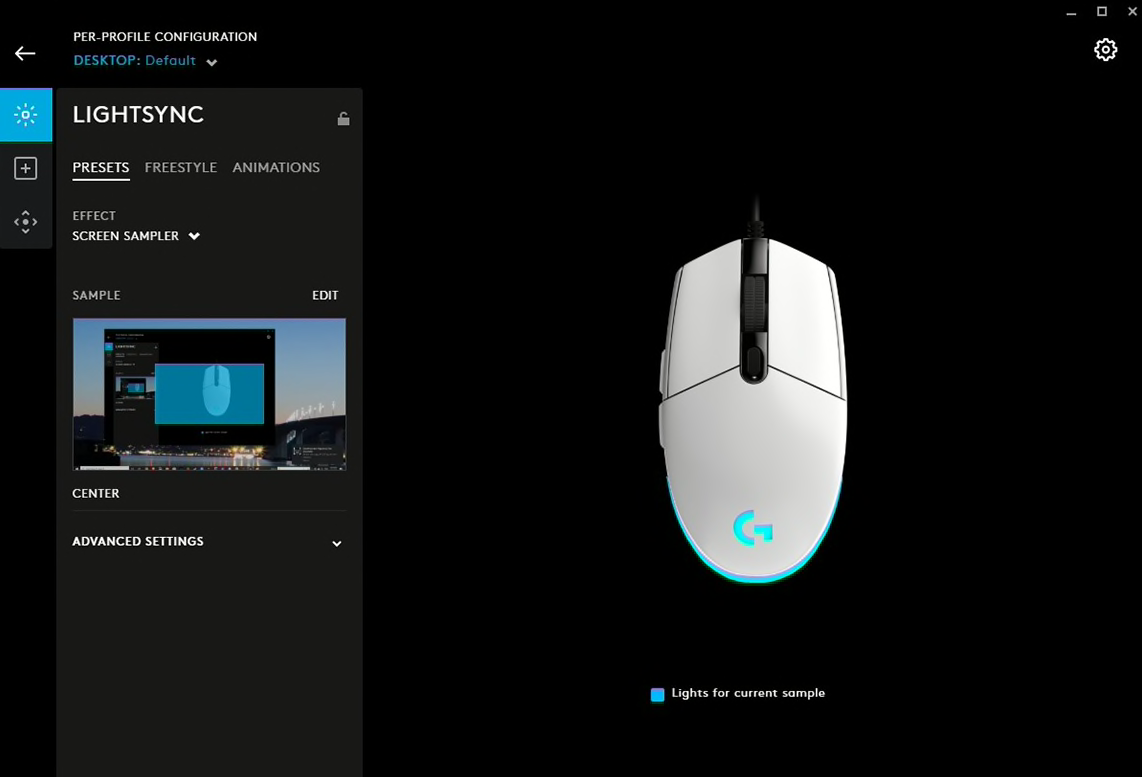
Dynamic Screen Sampling
Set your lighting to Screen Sampler to make it synchronise with your screen. Set up your mouse to react to color shifts in games, movies, and more.
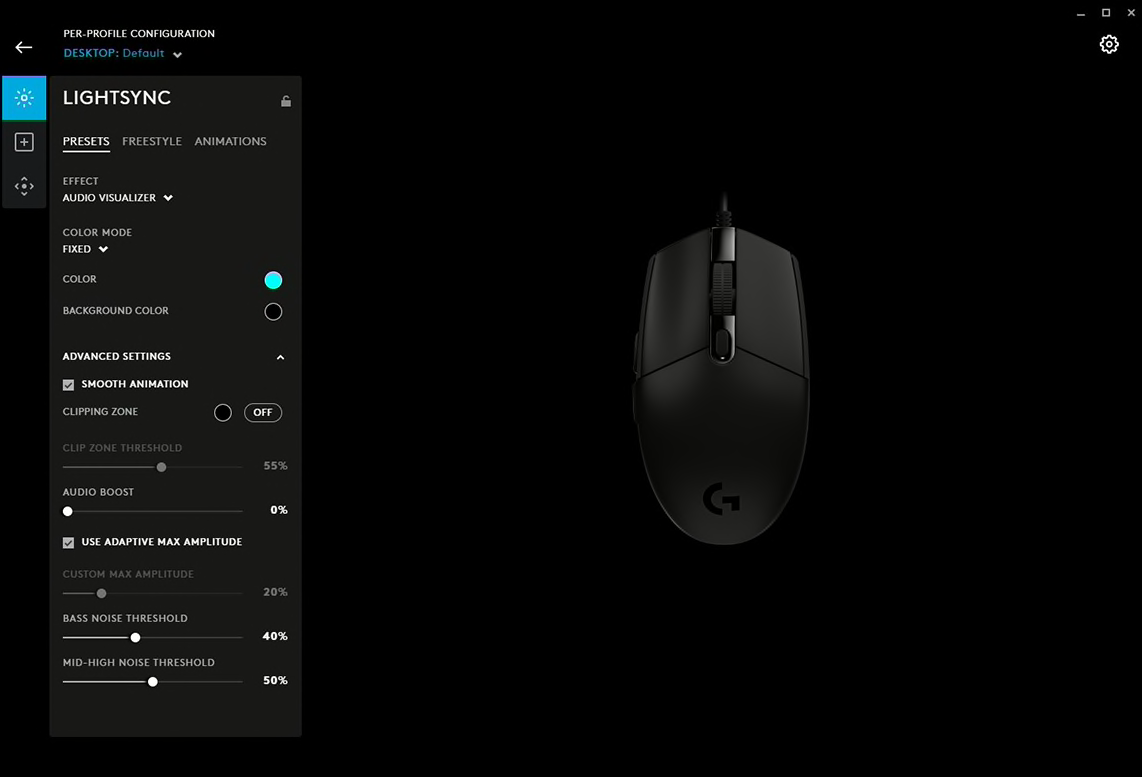
AUDIO VISUALIZER
Play music, movies, games—any sound, really—and G203 will flash colors to the beat. Customize levels and colors to make the dance party all your own.
Get accurate cursor tracking and responsive performance thanks to a gaming-grade sensor. With adjustable sensitivity from 200-8,000 DPI, pick the right level that fits your play preference. Use Logitech G HUB software to program up to 5 presets
The classic six-button design provides both comfort and confidence so you can explore, cast spells, and play just like you want. Use Logitech G HUB software to assign in-game commands, system controls, or key binds to buttons and simplify your gameplay.
Advanced features require Logitech G HUB software. Download free at LogitechG.com/downloads.
G102 sensor is capable of sensitivity up to 8,000 DPI (dots per inch). G102 lets you choose sensitivity settings as easy as sliding a scroll bar. Set up to 5 levels and cycle through them with the press of a button. It’s great for games that have different modes or levels that might require more control, like a sniper scope or a speed clicking level.
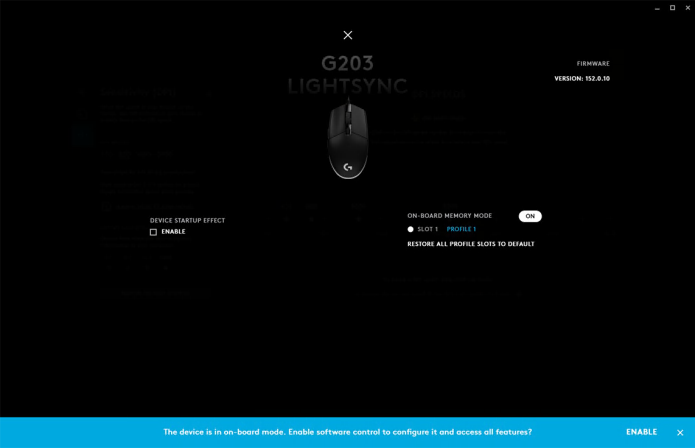
When you take your G102 with you, your custom settings can come along. By saving your preferences to the onboard memory using Logitech G HUB device settings you can use it on other computers with no need to install software or reconfigure your settings. Plug and play your way.
 3%
3%
 19%
19% 14%
14%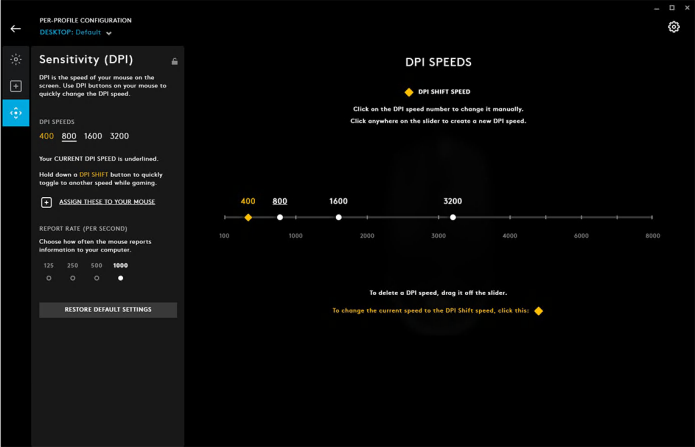
Reviews
There are no reviews yet.