
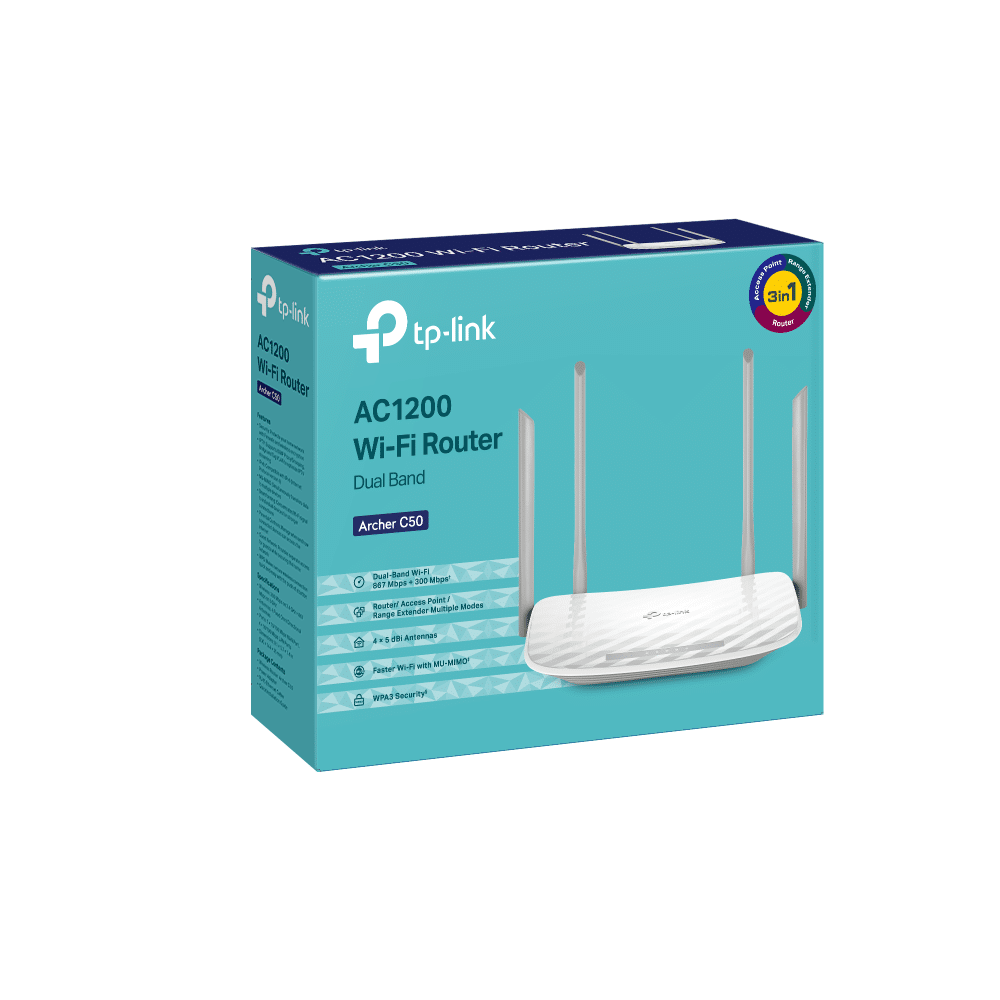
The Archer C50 lets your PC or laptop enjoy connections 3x faster than Wireless N with Wireless AC technology.
With 300Mbps over the 2.4GHz band and 867Mbps over the the crystal clear 5GHz band, the Archer C50 is
the superior choice for seamless HD streaming, online gaming and other bandwidth-intensive tasks.
1. Router Mode
Connect to the Ethernet to instantly create a private wireless network and share internet access to all your Wi-Fi devices.
Internet Archer C50 Laptops Tablets 2. Access Point Mode
Transform your existing wired network to a wireless one.
Internet Host Router Archer C50 Laptops Phones 3. Range Extender Mode
Boost the existing wireless coverage in your room.
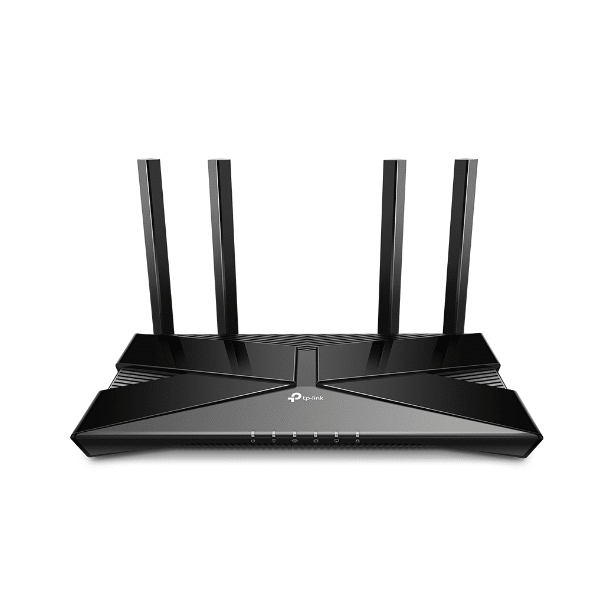
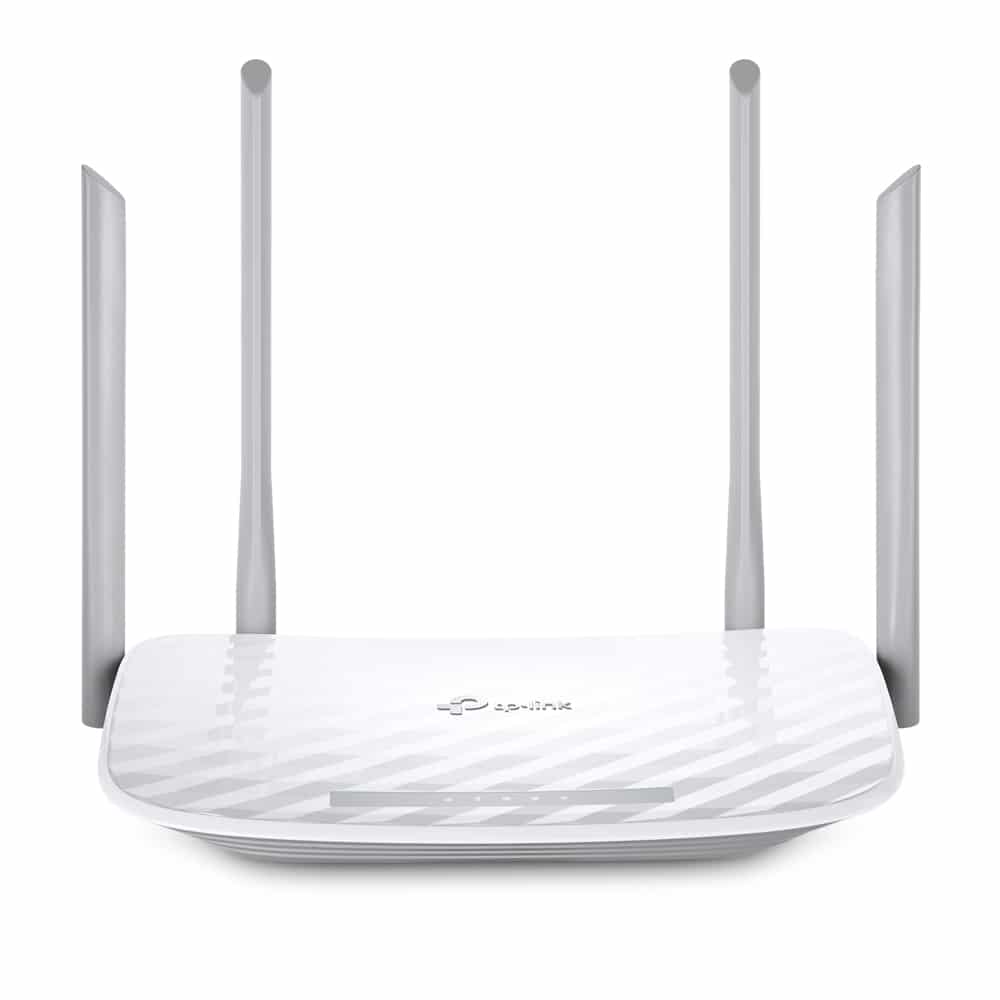
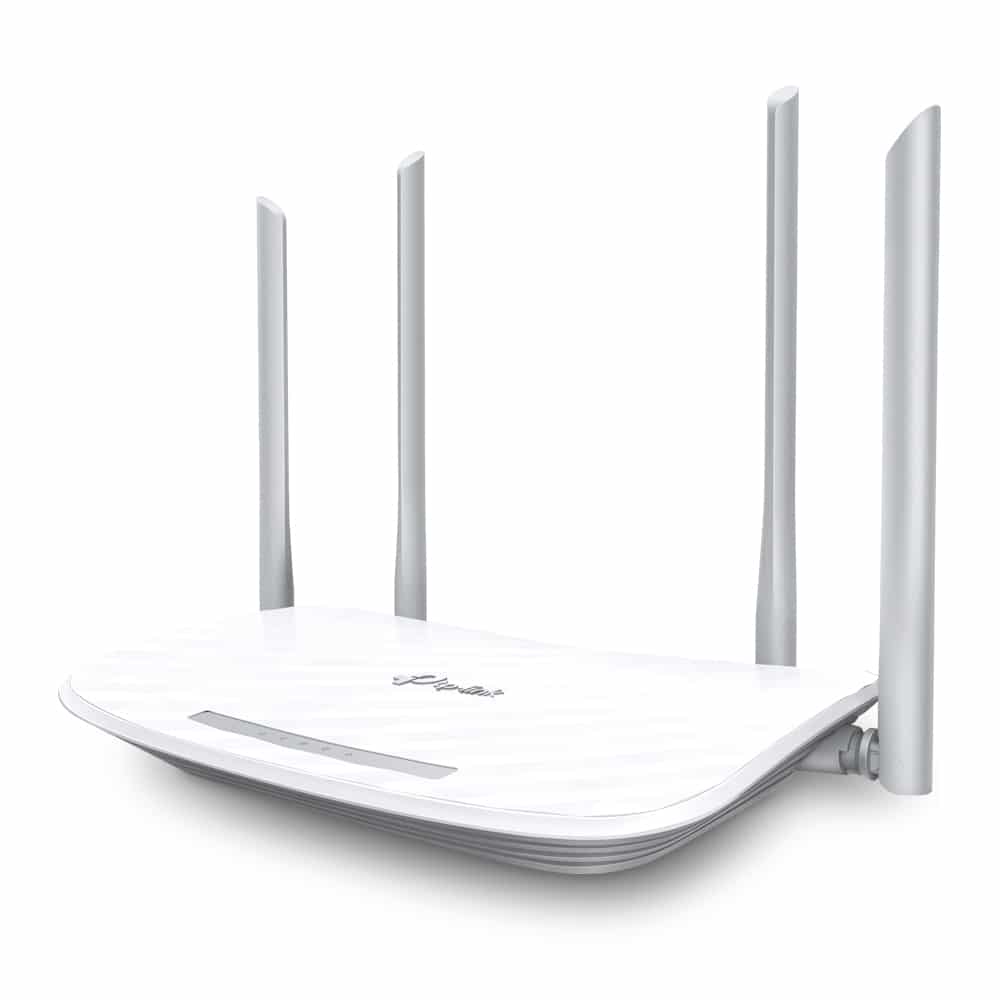
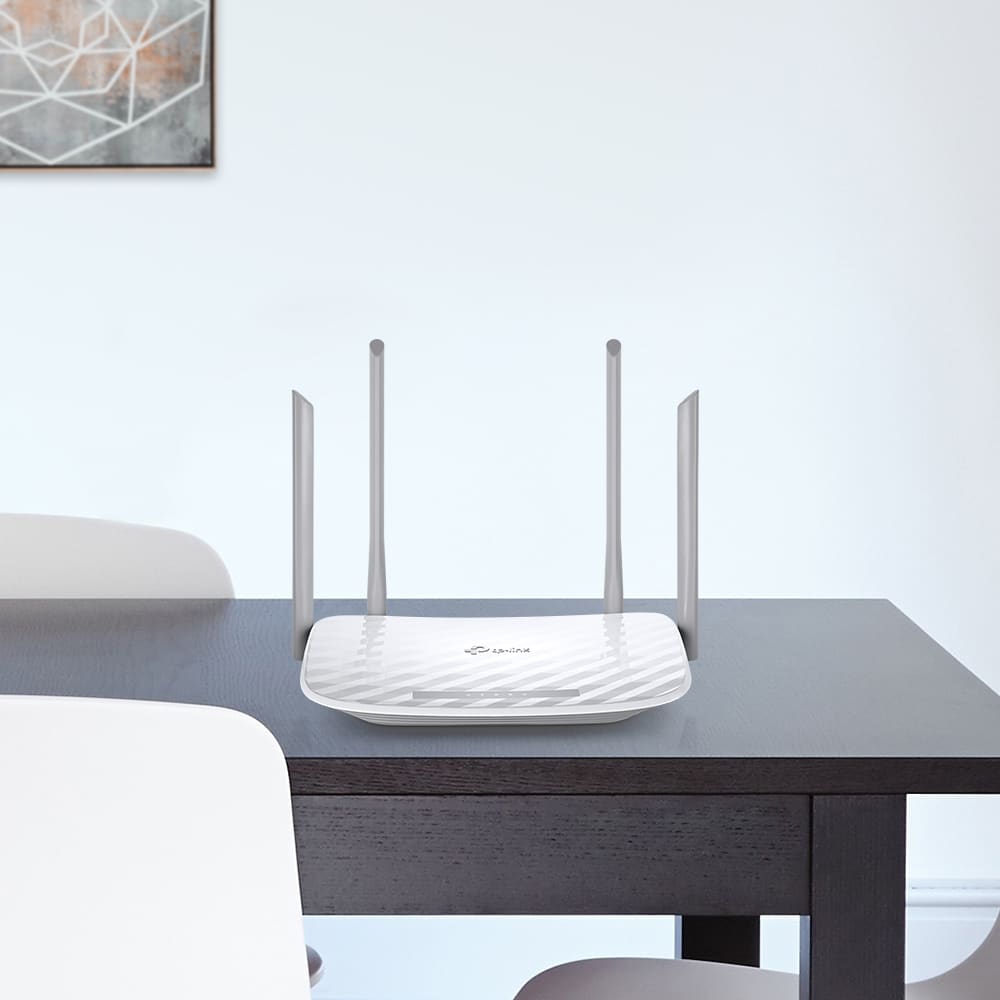
Equipped with four external antennas, Archer C50 creates stronger and more reliable networks for all to enjoy in your home. Beamforming technology concentrates the Wi-Fi signal towards your connected devices, providing better Wi-Fi range and network performance.
Supervise children and staff with responsible access, controlled by parents or administrators. Use key words to easily set up a black list and limit the level of web access.
Allow guests to join your Wi-Fi network while protecting your privacy. Make sharing easy, maintain security. Captive portal helps maintain only authorized guests to use the network, presenting devices with a convenient, user-friendly authentication method to grant Wi-Fi access. Easily share your facebook account to anyone who connects to your network.
Archer C50 helps your devices achieve optimal performance by making communication more efficient with MU-MIMO technology. Two simultaneous data streams, allow all connected devices to achieve faster speeds than standard AC routers.
Set up the Archer C50 in minutes thanks to its intuitive web interface and the powerful Tether app. Tether also lets you manage its network settings from any Android or iOS device, including parental controls and access control.
| SECURITY | |
| Network Security | SPI Firewall Access Control IP & MAC Binding Application Layer Gateway |
| Guest Network | 1× 5 GHz Guest Network 1× 2.4 GHz Guest Network |
| WiFi Encryption | WPA WPA2 WAP3 WPA/WPA2-Enterprise (802.1x) |
| WIRELESS | |
| Standards | Wi-Fi 5 IEEE 802.11ac/n/a 5 GHz IEEE 802.11n/b/g 2.4 GHz |
| WiFi Speeds | AC1200 5 GHz: 867 Mbps (802.11ac) 2.4 GHz: 300 Mbps (802.11n) |
| WiFi Range | 3 Bedroom Houses
4× Fixed Antennas Beamforming |
| WiFi Capacity | Medium
Dual-Band 2×2 MU-MIMO |
| Working Modes | Router Mode Access Point Mode Range Extender Mode |
| HARDWARE | |
| Processor | Single-Core CPU |
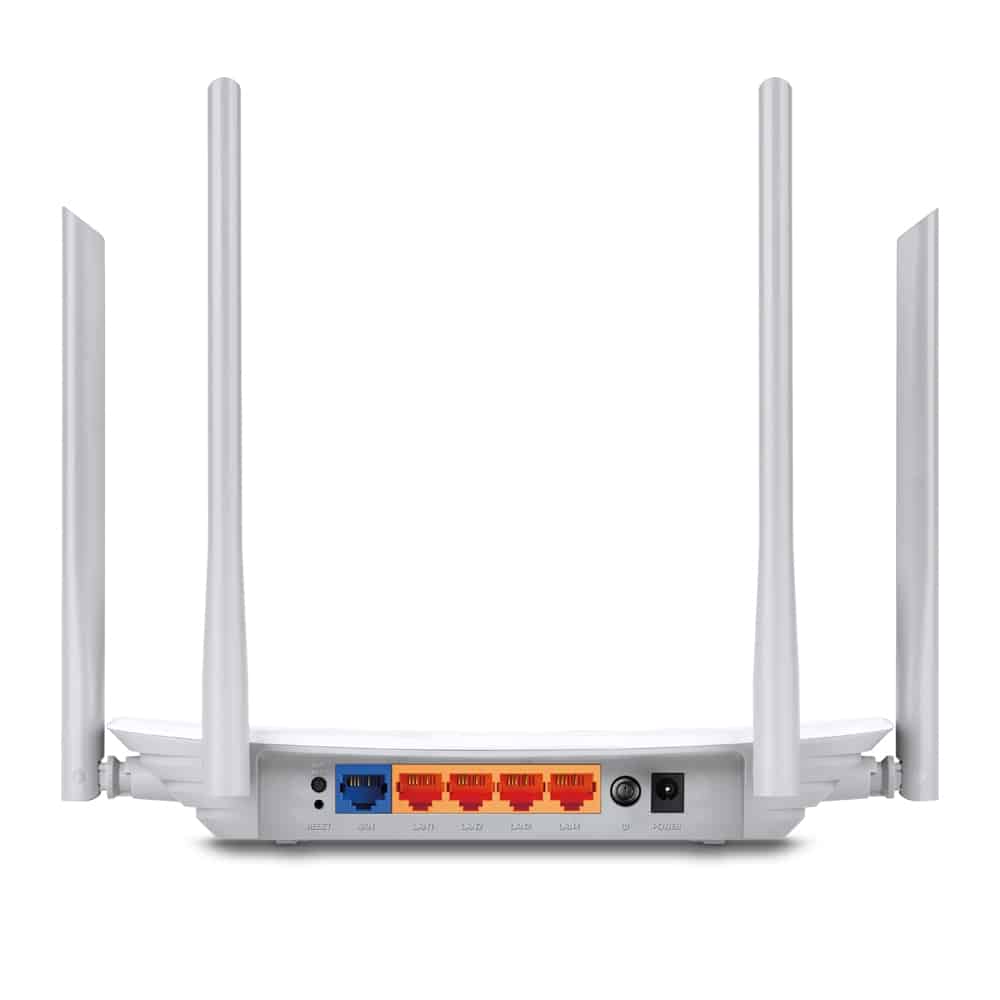
| Ethernet Ports | 1× 10/100 Mbps WAN Port 4× 10/100 Mbps LAN Ports |
| Buttons | WPS/Wi-Fi Button Power On/Off Button Reset Button |
| Power | 9 V ⎓ 0.85 A |
| SOFTWARE | |
| Protocols | IPv4 IPv6 |
| Parental Controls | URL Filtering Time Controls |
| WAN Types | Dynamic IP Static IP PPPoE PPTP L2TP |
| Quality of Service | QoS by Device |
| NAT Forwarding | Port Forwarding Port Triggering DMZ UPnP |
| IPTV | IGMP Proxy IGMP Snooping Bridge Tag VLAN |
| DHCP | Address Reservation DHCP Client List Server |
| DDNS | NO-IP DynDNS |
| Management | Tether App Webpage |
| OTHER | |
| System Requirements | Internet Explorer 11 , Firefox 12.0 , Chrome 20.0 , Safari 4.0 , or other JavaScript-enabled browser
Cable or DSL Modem (if needed) Subscription with an internet service provider (for internet access) |
| Certifications | FCC, CE, RoHS |
| Environment | Operating Temperature: 0℃~40℃ (32℉ ~104℉) Storage Temperature: -40℃~70℃ (-40℉ ~158℉) Operating Humidity: 10%~90% non-condensing Storage Humidity: 5%~90% non-condensing |
| TEST DATA | |
| WiFi Transmission Power | CE EIRP: <20dBm(2.4GHz) <23dBm(5GHz) FCC: <30dBm(2.4GHz & 5GHz) |
| WiFi Reception Sensitivity | 5GHz: 11a 54M: -73dBm 11ac VHT20 MCS8: -68dBm 11ac VHT40 MCS9: -64dBm 11ac VHT80 MCS9: -60dBm 2.4GHz: 11g 54M: -76dBm 11n HT20 MCS7: -74dBm 11n HT40 MCS7: -71dBm |
| PHYSICAL | |
| Dimensions (W×D×H) | 9.1 × 5.7 × 1.5 in (229.9 × 144.2 × 36.9 mm) |
| Package Contents | Wi-Fi Router Archer C50 Power Adapter RJ45 Ethernet Cable Quick Installation Guide |
 13%
13%
 13%
13% 11%
11%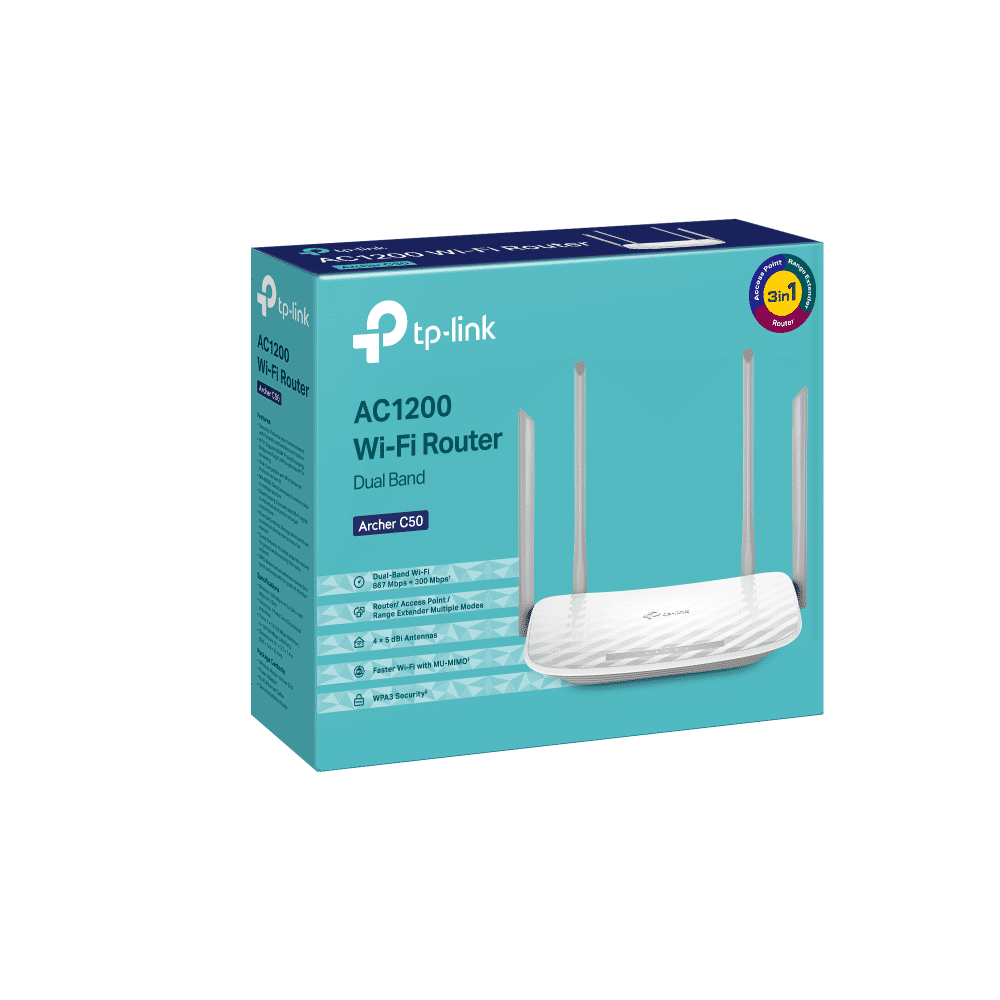
Reviews
There are no reviews yet.