
| Brand |
|---|
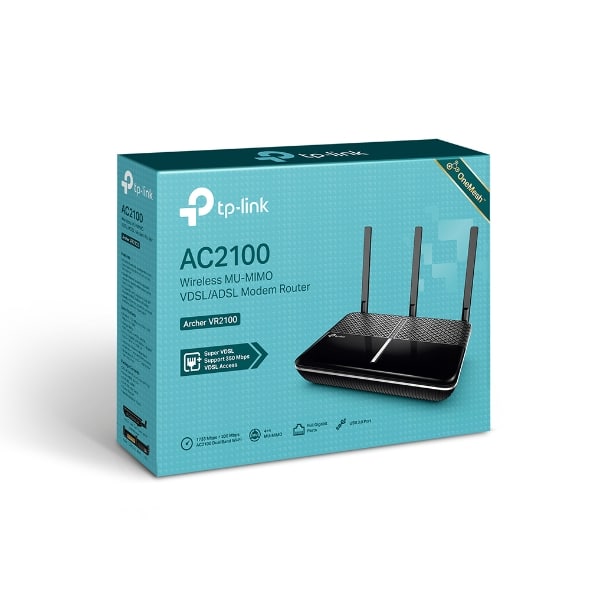
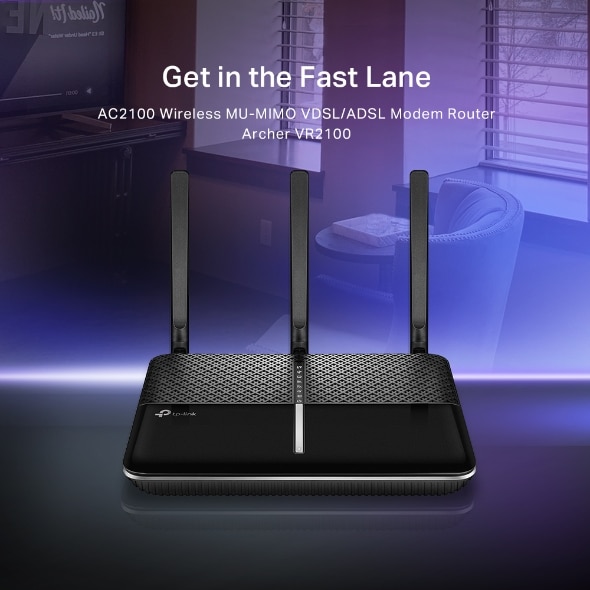
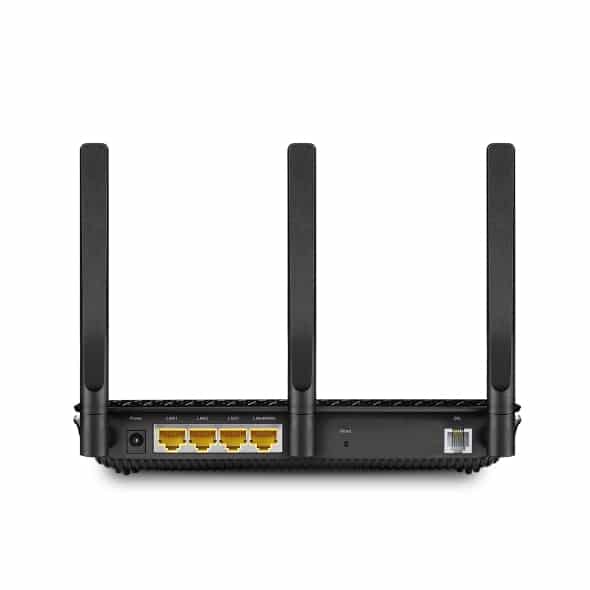
AC2100 Wireless MU-MIMO VDSL/ADSL Modem Router
Archer VR2100
The Archer VR2100 features Super VDSL (VDSL2 Profile 35b), the latest generation of DSL technology. Downstream is increased by up to 350 Mbps, 3.5x faster than its VDSL2 predecessor. The integrated DSL port also supports all standard DSL connections.*
*The Archer VR2100 is compatible with VDSL2, ADSL2 , ADSL2 and ADSL.
Super VDSL350Mbps VDSL2100Mbps ADSL 2 24Mbps
The Archer VR2100 is built to connect you to the internet, no matter your situation. The Ethernet WAN port supports wired connection to cable or fiber modem, letting you take full charge of its wireless capabilities as a router. In case your internet goes down, attach a 3/4G adapter to USB 3.0 port to serve as a backup option so you can get back online in no time.
Back-Up 2: 3/4G Adapter
DSL Access
Back-Up 1: Ethernet Access
The Archer VR2100 makes full use of its dual-band Wi-Fi abilities, reaching speeds of up to 1733 Mbps on 5 GHz band and 300 Mbps on 2.4 GHz band. Enjoy a total speed of up to 2.1 Gbps to eliminate latency and buffering from your HD streams and lag from online games.
Two dedicated Wi-Fi networks support more devices and reduce wireless interference to create stable connections.
MU-MIMO technology serves up to four devices at once, reducing wait time, increasing
Wi-Fi throughput for every device, and making each stream more efficient.
Co-work with TP-Link OneMesh products, to provide a more flexible and cost-effective Mesh network with a single Wi-Fi name for seamless whole-home coverage.
*OneMesh Range Extender or Powerline Adapter sold separately.
Check for more compatible products >>
One USB 3.0 port provides data transfers up to 10× faster than a traditional USB 2.0 port. Connect external storage devices and share files, photos, and videos at high-speed. As well as 4 Gigabit LAN ports help wired devices achieve peak performance for HD streaming and gaming.
USB 3.0 Ports 10X FAST
USB 2.0 Port traditional
Gigabit LAN Ports
Set your own network information
Set your own network information
Then just enjoy your network!
Set up the Archer VR2100 in minutes thanks to its intuitive web interface and the powerful Tether app. Manage network settings, including Parental Controls and Access Control, from any Android or iOS device. Tether also provides Automatic Firmware Updates to always give your network the latest performance and security.
Learn more about Tether App >
Lightning protection shields Archer VR2100 from electrical damage caused by thunderstorms, so even in bad weather, you can enjoy internet with peace of mind.
Parental Controls limit the online time and access of specified devices. Guest Network creates a separate Wi-Fi network for visitors, keeping your main network secure.
Choose devices or activities you want to prioritize on your network with QoS. In just a few taps, you can make sure your laptop or movie stream is first in line for Wi-Fi or Ethernet.
† Maximum wireless signal rates are the physical rates derived from IEEE Standard 802.11 specifications. Range, coverage, and the maximum number of connected devices are based on test results under normal usage conditions. Actual wireless data throughput, wireless coverage, and number of connected devices are not guaranteed and will vary as a result of 1) environmental factors, including building materials, physical objects, and obstacles, 2) network conditions, including local interference, volume and density of traffic, product location, network complexity, and network overhead, and 3) client limitations, including rated performance, location, connection quality, and client condition.
Actual network speed may be limited by the rate of the product’s Ethernet WAN or LAN port, the rate supported by the network cable, Internet service provider factors and other environmental conditions.
 23%
23%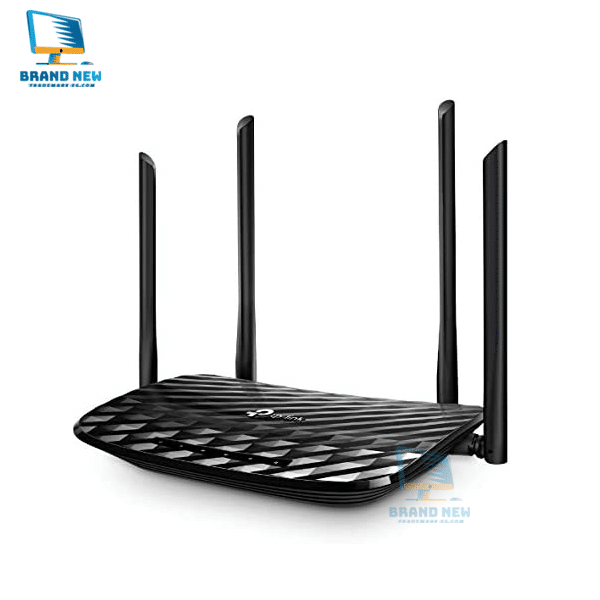
 11%
11%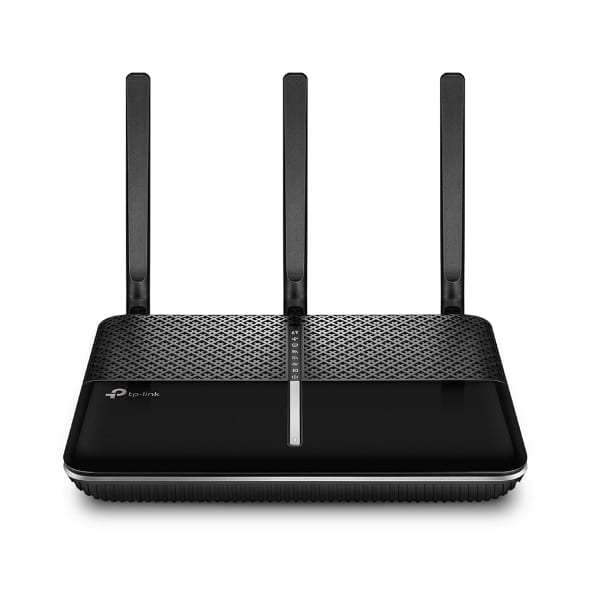
Reviews
There are no reviews yet.