Description
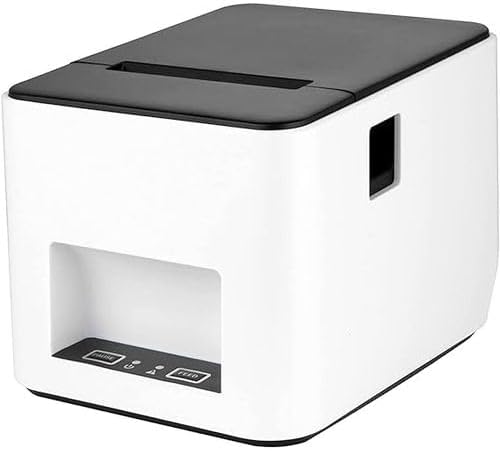
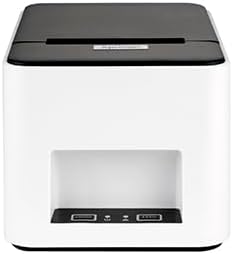
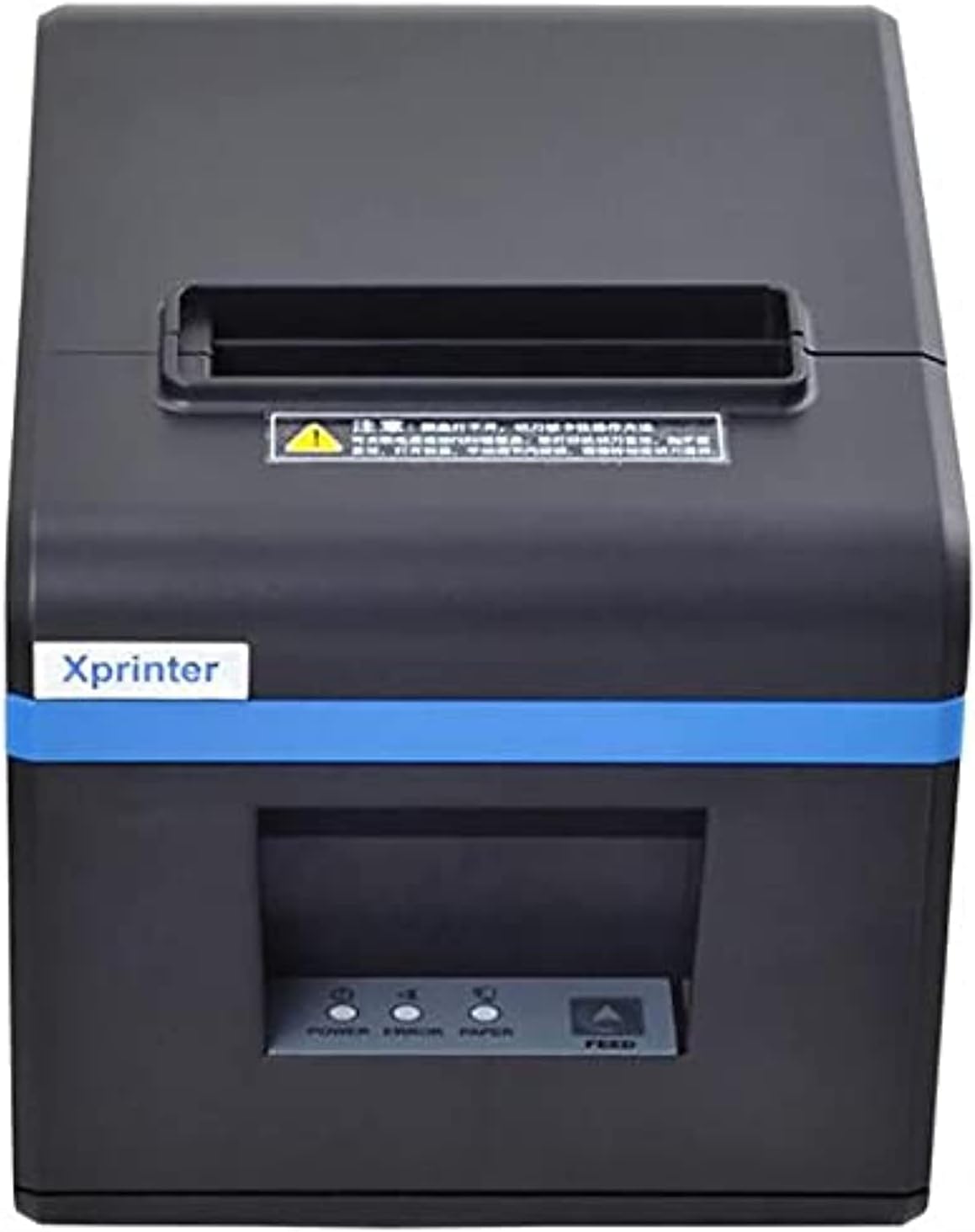
Xprinter XP-246B Label Printer
Key Features
- Thermal Printing Technology:
- Utilizes direct thermal printing technology, which eliminates the need for ink or toner. Instead, it uses heat-sensitive labels, making it a cost-effective and low-maintenance option for businesses.
- High Printing Speed:
- Capable of printing at speeds up to 150 mm/s, allowing for rapid label production, which is essential in fast-paced environments.
- Printing Resolution:
- Offers a print resolution of 203 dpi (8 dots/mm), providing clear and precise printing for barcodes, text, and graphics.
- Wide Label Compatibility:
- Supports various label types and sizes, making it versatile for different labeling requirements. The printer can handle a maximum print width of 108 mm.
- Multiple Connectivity Options:
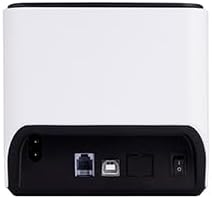
- Equipped with USB, serial, and Ethernet interfaces, providing flexible connectivity options for seamless integration with different systems and devices.
- Easy Paper Loading:
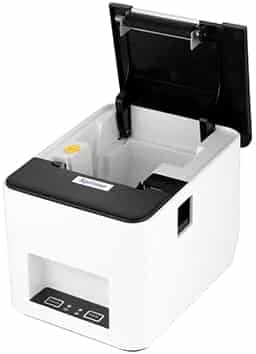
- Features an easy paper loading mechanism, allowing for quick and hassle-free label changes, minimizing downtime during busy operations.
- Durable Design:
- Built with robust materials to withstand the demands of high-volume printing environments, ensuring long-term reliability.
- User-Friendly Operation:
- Designed for ease of use, with intuitive controls and software for easy setup and operation.
Product Specifications
Printing Specifications
- Printing Method:
- Resolution:
- 203 dpi for clear and sharp label output.
- Printing Speed:
- Up to 150 mm/s for efficient label production.
- Maximum Print Width:
- 108 mm, accommodating a wide range of label sizes.
- Maximum Print Length:
- Up to 1778 mm, allowing for long labels or tags.
Media Specifications
- Label Types:
- Compatible with thermal labels, continuous paper, die-cut labels, black mark labels, and fan-fold labels.
- Media Width:
- Supports media widths ranging from 20 mm to 112 mm.
- Media Roll Diameter:
- Maximum diameter of 127 mm for extended printing without frequent roll changes.
Connectivity
- Interfaces:
- USB, Serial (RS-232), and Ethernet, enabling flexible connection options.
- Driver Support:
- Compatible with Windows, Linux, and MacOS operating systems, ensuring easy integration with various systems.
Environmental Specifications
- Operating Temperature:
- 5°C to 45°C, suitable for standard indoor environments.
- Storage Temperature:
- -40°C to 60°C, allowing for safe storage in varying conditions.
- Operating Humidity:
- 25% to 85% non-condensing, accommodating different humidity levels.
Physical Specifications
- Dimensions:
- 232 mm x 154 mm x 168 mm (L x W x H), making it compact and easy to fit in various workspaces.
- Weight:
- Approximately 1.5 kg, lightweight for easy transportation and setup.
Software and Emulation
- Emulations Supported:
- Compatible with EPL, ZPL, and DPL emulations, making it versatile for different printing requirements.
- Software Utilities:
- Includes label design software and drivers for easy setup and customization.
Benefits
- Cost-Effective Operation:
- Direct thermal printing reduces costs by eliminating the need for ink or toner, resulting in lower operational expenses.
- High-Speed Performance:
- Fast printing speeds enhance productivity, making it ideal for high-volume label printing environments.
- Versatile Connectivity:
- Multiple interface options allow for easy integration with various devices and systems.
- Durable and Reliable:
- Built to withstand the demands of continuous use, ensuring consistent performance and longevity.
- User-Friendly Design:
- Simple setup and operation make it accessible for users with different levels of technical expertise.
Typical Use Cases
- Retail:
- Ideal for printing price tags, shelf labels, and product labels, supporting efficient inventory management.
- Logistics and Shipping:
- Suitable for printing shipping labels, packing slips, and barcodes, enhancing logistics operations.
- Warehousing:
- Useful for labeling inventory, tracking goods, and managing stock levels.
- Manufacturing:
- Supports labeling of products, components, and packaging, facilitating production and quality control processes.
- Healthcare:
- Can be used for labeling patient records, samples, and medications, ensuring accurate tracking and management.
Setup and Operation
- Connecting the Printer:
- Connect the printer to your computer or network using the USB, serial, or Ethernet cable, depending on your setup.
- Installing Drivers:
- Install the necessary drivers from the included CD or download them from the Xprinter website. Follow the installation instructions for seamless integration with your system.
- Loading Labels:
- Open the printer cover, insert the label roll, and close the cover. Use the easy paper loading mechanism to ensure proper alignment and feeding.
- Configuring Settings:
- Use the provided software utilities to adjust settings such as print density, label size, and connectivity options.
- Regular Maintenance:
- Clean the print head and rollers periodically to maintain optimal performance and extend the printer’s lifespan.
Xprinter XP-246B Label Printer

 22%
22%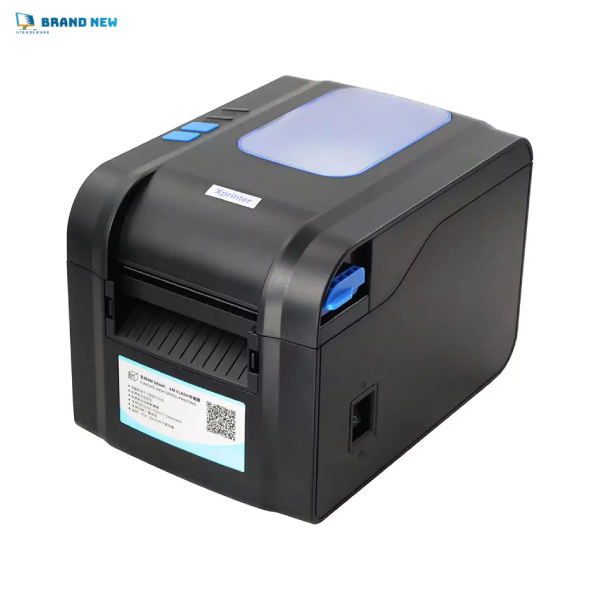
 18%
18%
Reviews
There are no reviews yet.