
| Brand | |
|---|---|
| Model |

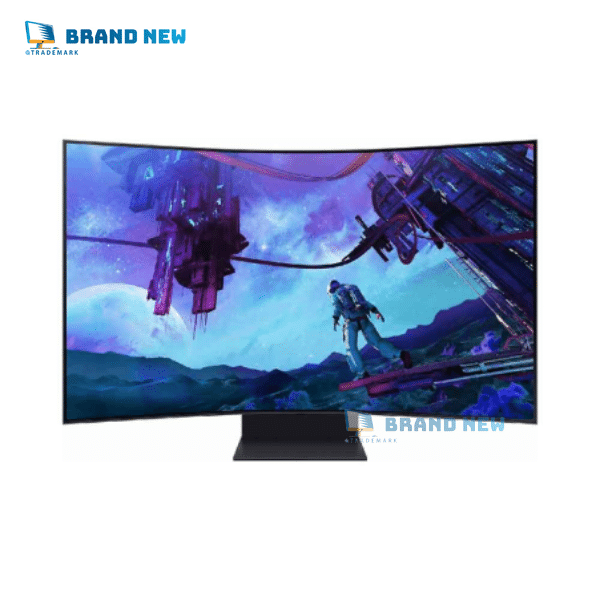
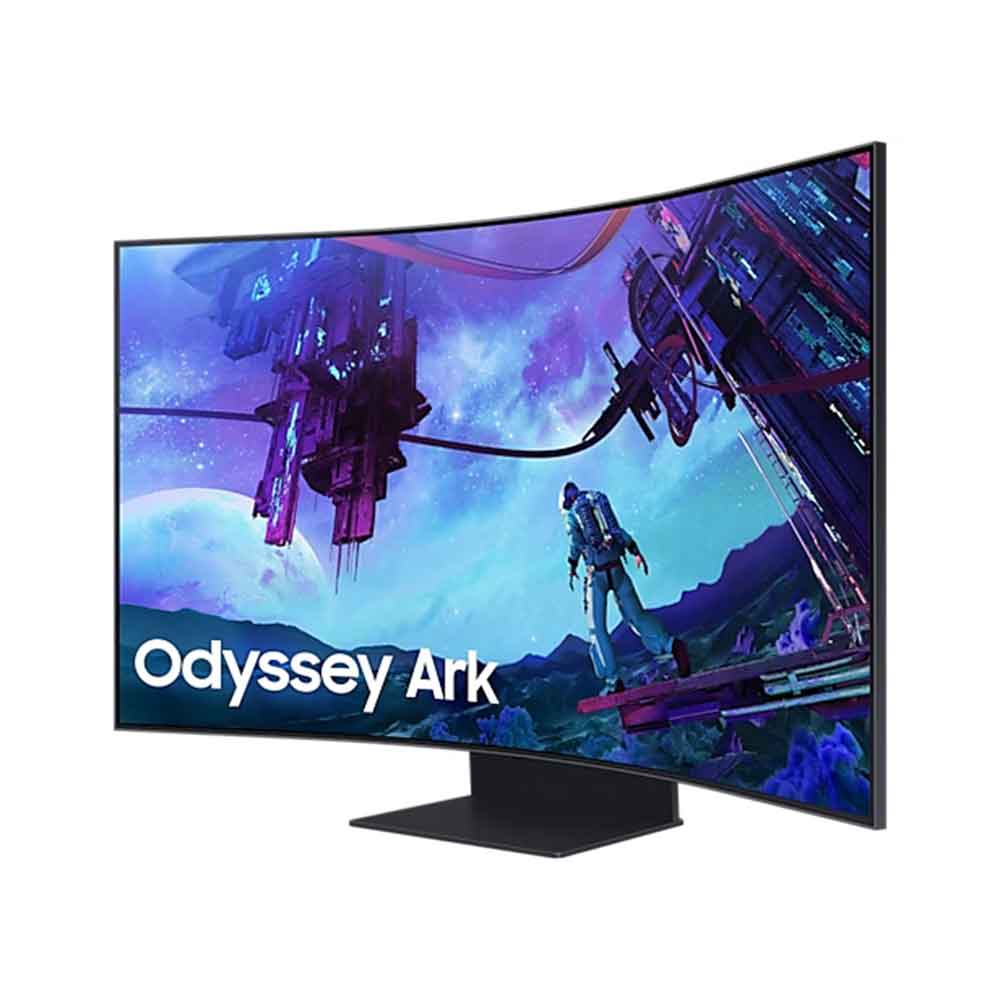
Blaze a new path toward glory. Cockpit mode gives you a new vision for a 55″ screen with 1000R curvature, while Quantum Mini-LED lighting delivers vibrant details.

Tired of managing multiple monitors? The new Multi View shows you up to 4 inputs on screen at once, to give you full command and convenience.

One misstep can be the difference between victory and defeat. With a 165Hz refresh rate, 1ms response time(GtG) and FreeSync Premium Pro, prepare to win.
Be immersed in lifelike images. The 55-inch screen delivers a picture that overwhelms your senses, creating an adrenaline-fueled experience superior to anything seen before. This is upgraded by 1000R curvature to wrap around your field of vision for maximum immersion.
* Optimal viewing distance is at over 80cm.

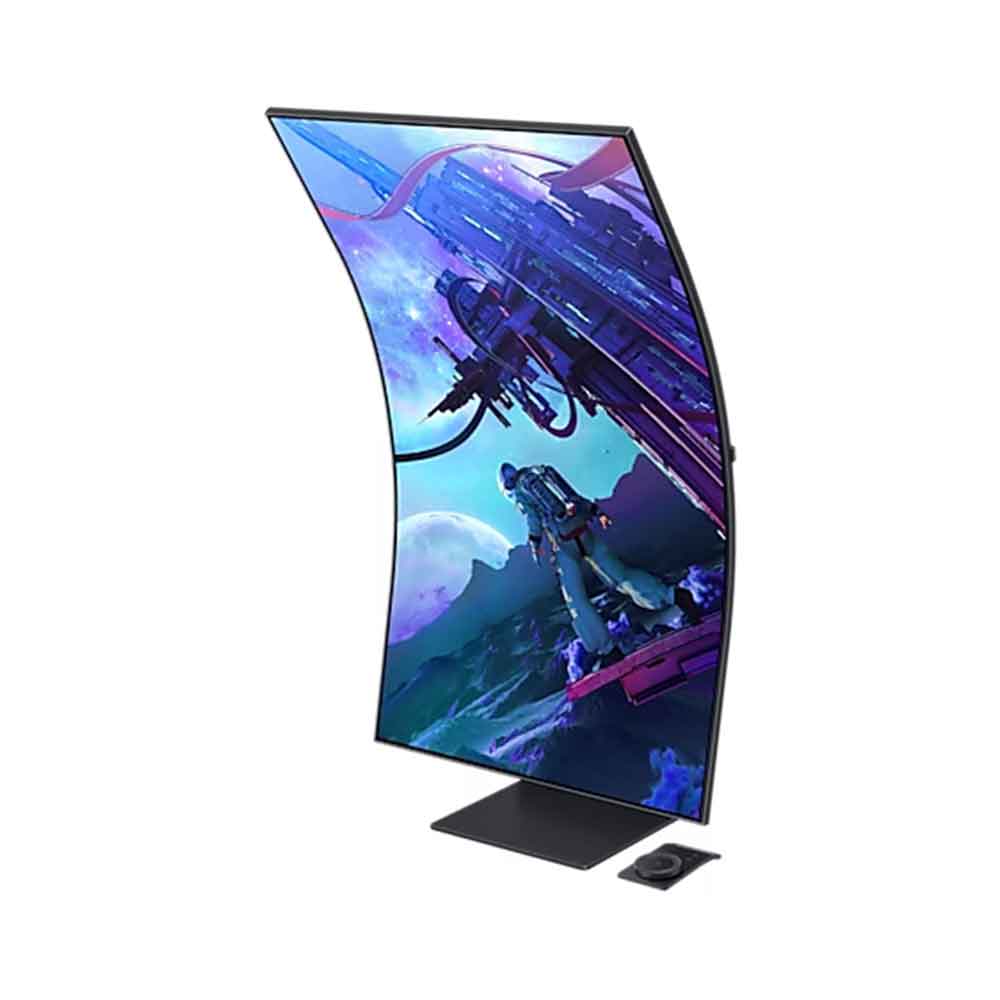
odyssey ark 2nd gen Feel like you’re in a cockpit. Rotate the screen to Cockpit Mode with HAS, tilt and pivot functionality for an optimal screen environment. This perfect positioning creates a new sense of world-blending immersion, further enhanced by Eclipse Lighting.
samsung ark A monitor is on a desk with 4 sections on its screen. The monitor pivots from horizontal to vertical, before rotating to the right to show its Eclipse lighting on its side. The vertical screen is split into three sections – video, streaming and game. ls55cg970nuxen
* To display in 9:16, vertical selection is required during initial setup.** Screen should be manually rotated for cockpit mode.
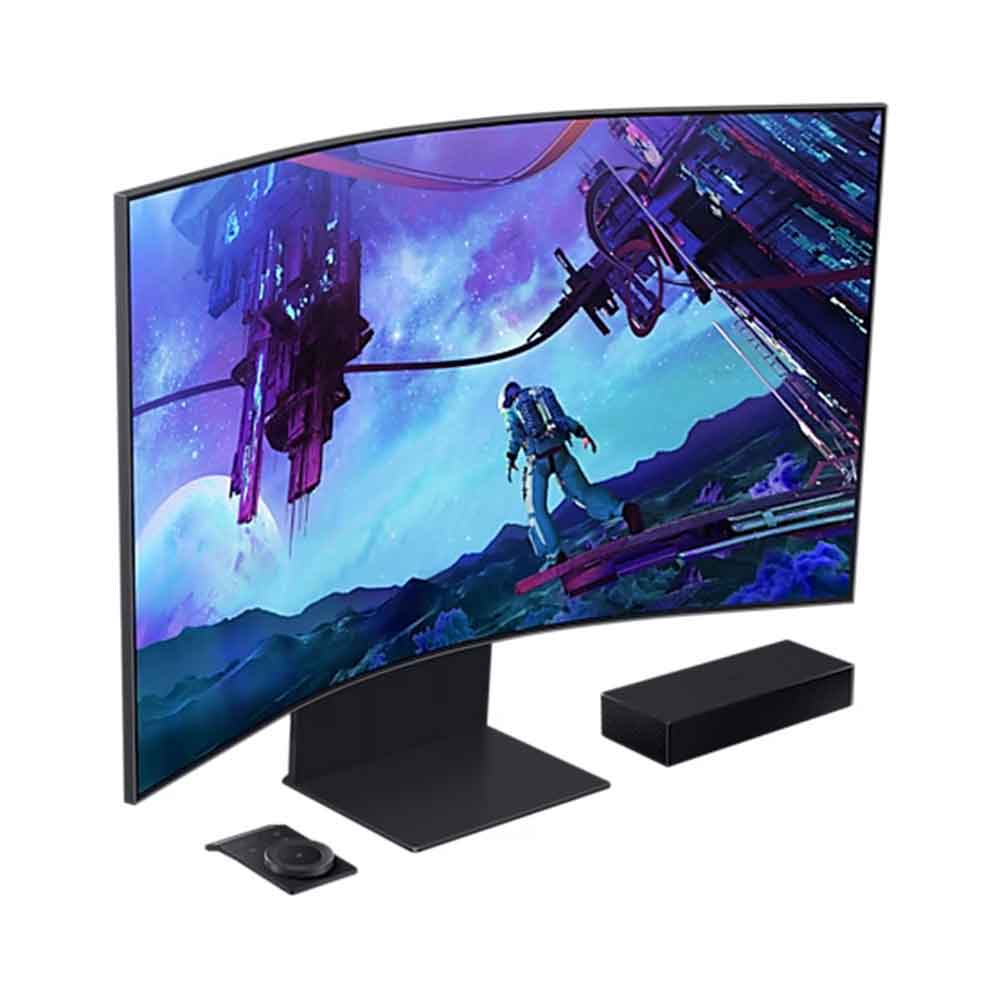
samsung odyssey ark 2nd gen monitor The solar-powered controller built only for Ark. Ark Dial puts the player in full control of Ark, allowing quick and simple access to a variety of functions that Ark has – including Flex Move Screen, Multi View, Quick Settings and Game Bar. Take control and push forward with Ark.
samsung ark 55 The monitor screen displays the Ark Dial toolbar, with the Ark Dial placed in front of the monitor turning focus of toolbar from home to Flex Move Screen, and to Multi view. Four logos – Flex Move Screen, Multi View, Game Bar, Quick Settings – are placed on the upper side of the screen.
A whole new way to view. Connect and see up to 4 inputs at once with the upgraded Multi View __ even play console and PC games at the same time. Focus on your games while you connect with friends and look up the best strategies all on one screen, while keeping your desk free from wires and clutter.
samsung odyssey ark gaming monitor 55 inch A video shows a multi-monitor computer set up, labeled ”Without Ark.” 4 monitors are being used: one playing a streaming video, one playing an MMORPG video game, one displaying options on a video streaming service, and one with a video game wizard walking toward a portal. The video swipes from the right, now labeled ”With Ark,” showing the same content spread across 4 sections of one screen. On the top left, an icon labels the streaming video section as input from a media player. On the top right, an icon labels the streaming video service options as input from a laptop. On the bottom left, an icon labels the video game as a PC tower input. On the bottom right, an icon labels the wizard video game character screen as a gaming console input.
* In Cockpit Mode, Multi View can show up to 3 screens on one display.** Game Mode, VRR, and Cloud Game are not supported while in Multi View mode.*** While in Multi View mode, refresh rates of up to 120Hz are supported for external inputs.**** Some Smart Hub features may not be supported depending on the service provider, language, or geographical area.
Your command center gives you full control. Use multiple PCs and built-in apps on the Odyssey Ark with a single mouse and keyboard. Move your mouse across all your connected devices’ displays on one screen to control a different device in a snap.
A video shows the Ark with a mouse and keyboard. The screen is divided into 4 sections: one playing a streaming video, one playing an MMORPG video game, one displaying options on a video streaming service, and one with a video game wizard walking toward a portal. A mouse hovers to the top right section with the video streaming service and clicks. An outline appears around that section of the screen, and a search bar appears. In the search bar, the word ”Odyssey” is typed.
* This feature is compatible with external PC inputs and the Odyssey Ark’s built-in apps. Support may vary by app.** Each PC must be connected via USB Upstream cable. USB Upstream cable sold separately.*** Requires the Easy Setting Box program on each PC. Please refer to the dedicated installation page for in-depth information about Easy Setting Box.**** Image simulated for illustrative purposes.
Find the perfect winning position. Flex Move Screen enables users to change screen size from 55 to 27 inches, move the screen position and adjust ratio (16:9 > 21:9 > 32:9) quickly and easily with Ark Dial. Experience the freedom to flex while playing any game.

An unrivaled visual experience. Revolutionary Quantum Matrix Technology with Quantum Mini LEDs creates controlled brightness and perfect contrast for refined definition. The advanced 14-bit back light unit allows detailed HDR control which creates unmatched picture quality.
A monitor screen is split into two sections. Above the left side says ‘Edge LED’ and above the right side says ‘Quantum Mini-LED’. Quantum Mini-LED part expands which make the screen clearer as the monitor rotates around to the lef
Enjoy powerful cinematic experiences. By combining 20 multi-layer neural networks, the AI-Powered processor cleverly analyzes images to restore every detail, pixel by pixel. Automatic brightness adjustment, contrast amplification and enhancements upscale the resolution of whatever you’re watching.
A race car is driving down the road against a blurred city backdrop before a microchip ”Neural Quantum Processor Ultra” appears overlaid on top of the car. Key areas of the car and backdrop are identified and enhanced before the full scene appears in crisp clarity.
HDR 10 gaming
See every detail in all its glory. From gloomy shadows to sun-scorched scenes, the 1,000,000:1 contrast ratio enables enhanced color expression and depth. Get a competitive edge with HDR 10 , which automatically adapts games in real-time to show you every detail that could lead to victory.

Focus only on what matters. The distraction-free matte screen absorbs, not reflects, artificial and natural light, keeping you laser-focused during the toughest battles and hardest levels.
The gamer’s face is seen reflected to the screen. A dotted line scans across the screen from left to right. ”Matte Display” on the left is not seen with reflected the gamer’s look, while ”Glossy Display” on the right still shows as his reflected. The UL verification logo on the right corner.
Four corner speakers and two central woofers result in a 60W 2.2.2 channel with the lowest 45Hz notes of any gaming screen or gaming soundbar. AI Sound Booster and Dolby Atmos take it to the next level, surrounding you in a three-dimensional soundscape that places you inside the gaming world.
A rocket ship is flying toward a planet. Four marks appears with the words ”4 x speakers” to show the position of speakers and after that, ”2 x woofers” as the position of woofers highlighted. A translucent dome appears over the monitor with multiple circles appearing on each corner of the monitor
* Frequency response is measured based on internal testing conditions.

165Hz & 1ms(GtG)
Conquer every enemy, even at extreme speed. 165Hz refresh rate eliminates lag for exhilarating gameplay with ultra-smooth action. Identify enemies with elite precision with a 1ms response time(GtG), precise mouse movements, and blur-free frames, with minimized ghosting.
* “1 ms” means one milliseconds which is the range of avg. response time between 1.00ms to 1.99ms truncated to whole number.* Based on GtG measured under internal test conditions. Results may vary by content and monitor settings (requires ‘Extreme mode’ setting).* GtG (Gray to Gray) measures the time taken for a monitor pixel to change from one gray value to another.

AMD Free Sync Premium Pro
Hyper action made seamless. Support of Variable refresh rate (VRR) with AMD FreeSync Premium Pro keeps the GPU and panel synced up to eliminate choppiness, screen-lag, and image tears. Fast-action and complex game scenes are stable and stutter-free for your competitive edge.

Gaming Hub
The best of gaming all in one place. Gaming Hub allows instant access to top streaming services, your favorite consoles and PC. Smooth visuals and responsive gameplay are powered by Samsung’s advanced game streaming technology without downloads or storage limits – just turn on Ark and play.
* Gaming Hub is available in limited countries, with app availability differing by country.** Accessing Gaming Hub is free of charge. Subscription may be required to access content offered by game-stream providers on the Gaming Hub platform.*** A separate controller may be required depending on the specific game in Gaming Hub.**** You will need a Samsung Account to access our network-based smart services. If you choose not to log-in, you will only get connection to terrestrial TV (applicable to devices with tuners only) and external devices, e.g. via HDMI.

Take a break from marathon gaming sessions and catch up on must-see streaming content, with just a simple Wi-Fi connection. Samsung TV Plus offers free live content with no downloads or sign-ups as well as personalized content recommendations from Universal Guide.

* App availability may vary by country and separate subscriptions may be required.** Requires internet connection and TV tuner is not included.*** Samsung TV Plus and Universal Guide may not be available in some regions.**** You will need a Samsung Account to access our network-based smart services. If you choose not to log-in, you will only get connection to terrestrial TV (applicable to devices with tuners only) and external devices, e.g. via HDMI.
Game Bar
Check and control game settings in an instant. Now, you can easily view the status of important settings – FPS (Frames Per Second), HDR (High Dynamic Range) and VRR (Variable Refresh Rate). Optimize response time or screen ratio, as well as the game picture mode without having to leave your goal.
* The Game Bar’s Screen Ratio can be changed only when the Ultra Wide resolution is supported in a game or PC.
| Feature | Details |
| Model | LS55CG970NUXEN |
| Line | Odyssey Ark 2nd Gen |
| Type | Gaming Monitors |
| Intended Use | Gaming |
| Screen Size | 55″ |
| Width | 117 cm |
| Height | 110 cm |
| Depth | 38 cm |
| Display Technology | OLED |
| Resolution | UHD (3840 x 2160) |
| Brightness | 600 cd/m² |
| Aspect Ratio | 16:9 |
| Energy Efficiency Class | G |
| Response Time | 1 ms |
| Refresh Rate | 165 Hz |
| Synchronization | FreeSync Premium Pro |
| Integrated Features | Speakers, USB Hubs |
| HDMI Ports | 3 |
| USB Ports | 2 |
| Color | Black |
 10%
10% 17%
17% 3%
3% 18%
18% 6%
6%


Reviews
There are no reviews yet.