| Brand |
|---|
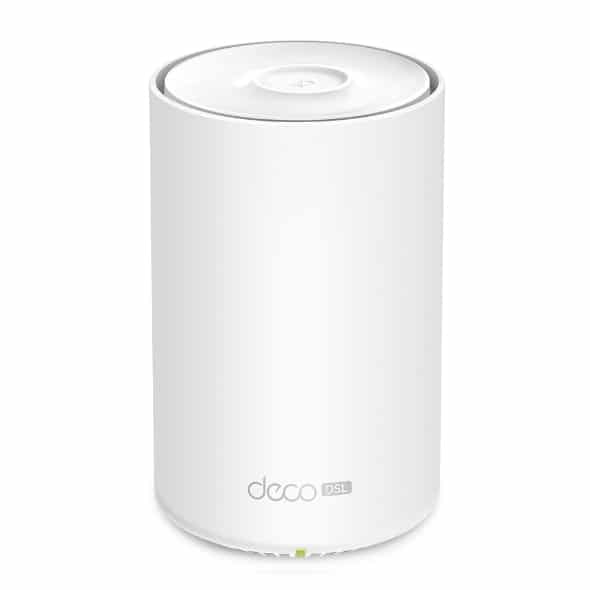
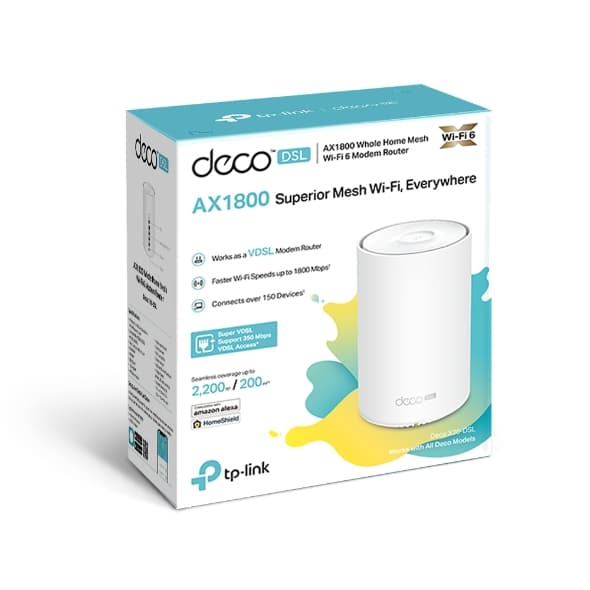
AX1800 VDSL Mesh Wi-Fi 6 Modem Router
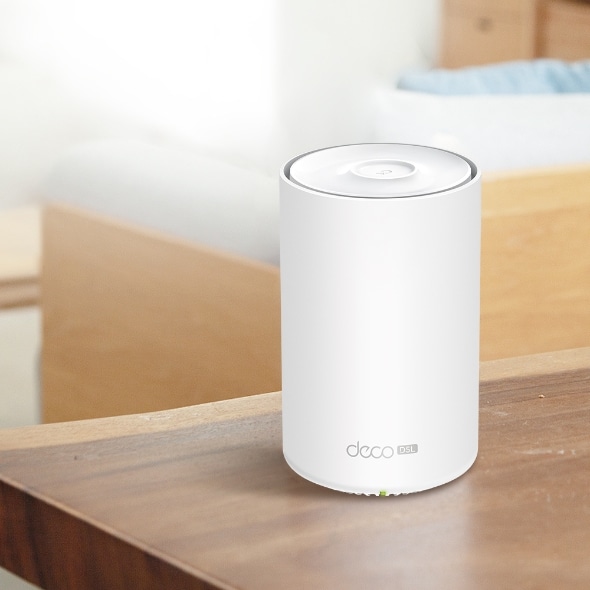
Deco X20-DSL



Armed with a built-in VDSL/ADSL modem, WiFi 6, and TP-Link Mesh technology, Deco X20-DSL saves you a fortune on the DSL modem equipment and delivering an excellent whole-home WiFi experience.
VDSL Modem
WiFi 6 Router
Mesh Wi-Fi Technology
Armed with WiFi 6 technology, Deco whole home mesh WiFi is designed to deliver a huge boost in coverage, speed, and total capacity. Get on the latest mesh WiFi to enjoy the future network that loads faster and connects more.
Wi-Fi 6 Speeds up to
1,800 Mbps
Seamless Coverage up to
200 m²
Connects over
150 Devices
Armed with Wi-Fi 6 technology, Deco whole home mesh Wi-Fi is designed to deliver a huge boost in coverage, speed, and total capacity. Get on the latest mesh Wi-Fi to enjoy the future network that loads faster and connects more.
5GHz:
1201Mbps
2.4GHz:
574Mbps
1024-QAM
More data encoded at one time
Higher Symbol Rate
11% faster speed
The Deco X20-DSL gateway supports Super VDSL with internet downlink speeds up to 350 Mbps, shared by super-fast WiFi 6 with speeds up to 1,800 Mbps, enabling lag-free online activities such as 4K streaming, cloud-gaming, and video calls.
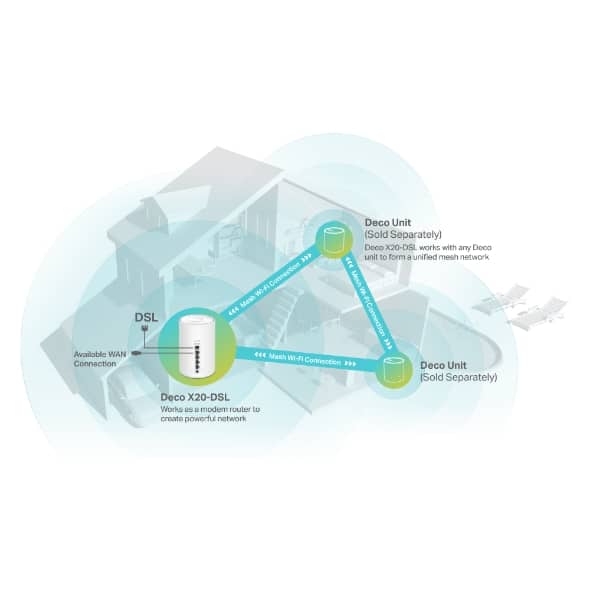
TP-Link Mesh means Deco units work together to form one unified network. Your phone or tablet automatically connects to the fastest Deco as you move through your home, creating a truly seamless Wi-Fi experience.‡
Learn More about TP-Link Mesh >>
Customize your home network with enhanced security using a kit of features. Whether protecting your sensitive data or limiting the access of kids and guest, Deco X20-DSL provides you the tools you need to fully manage your WiFi.
Detect cyber threats to keep your privacy and connected devices well protected.
Manage online time and block inappropriate content to keep families healthy online.
Prioritize your bandwidth needs to get a faster networking experience.
Gain full statistics and insights to help you know your home network better.
Unbox Deco, install the app and then simply follow the on-screen directions. Deco will take care of the rest, getting your network up and running in minutes.
1 Connect Deco X20-DSL to the phone jack or splitter. Plug in your Deco units with the power adapter.
2 Download and launch the Deco app; just follow the in-app directions to finish the setup steps.
3 For the next Deco, simply power on it to automatically join the network.

Manage your Wi-Fi at home or away on the Deco app, including seeing all connected devices, prioritizing your own, setting up a guest network, and more.

Pair with Alexa to control Deco X20-DSL with simple voice commands. Enjoy the convenient life.

Deco X20-DSL is compatible with every other Deco model to form a mesh network. Expand mesh Wi-Fi coverage anytime by simply adding more Decos.
△Use of Wi-Fi 6 and other features including OFDMA, MU-MIMO, 1024-QAM, and BSS Color require clients to also support the corresponding features.
†Maximum wireless signal rates are the physical rates derived from IEEE Standard 802.11 specifications. Actual wireless data throughput and wireless coverage, and quantity of connected devices are not guaranteed and will vary as a result of network conditions, client limitations, and environmental factors, including building materials, obstacles, volume and density of traffic, and client location.
‡Clients need to support 802.11k/v/r and may require additional set up. Performance may vary depending on the client’s device.
§HomeShield includes the Free Basic Plan. Fees apply for the Pro Plan. Visit tp-link/homeshield for more information.
*Acutual DSL downlink speeds vary between households. Factors affecting DSL speeds include the internet service level, real-time network capacity, equipment and client limitations, environmental factors.
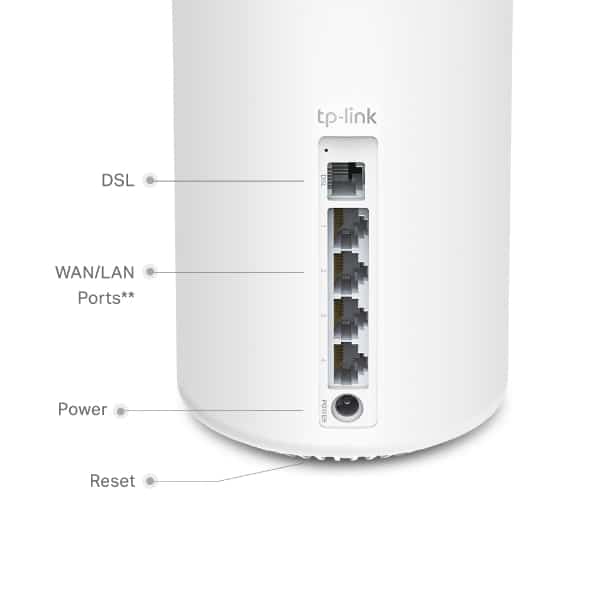
**All WAN/LAN ports will operate as either WAN or LAN ports. Only one port can serve as a WAN port at a time.