Description
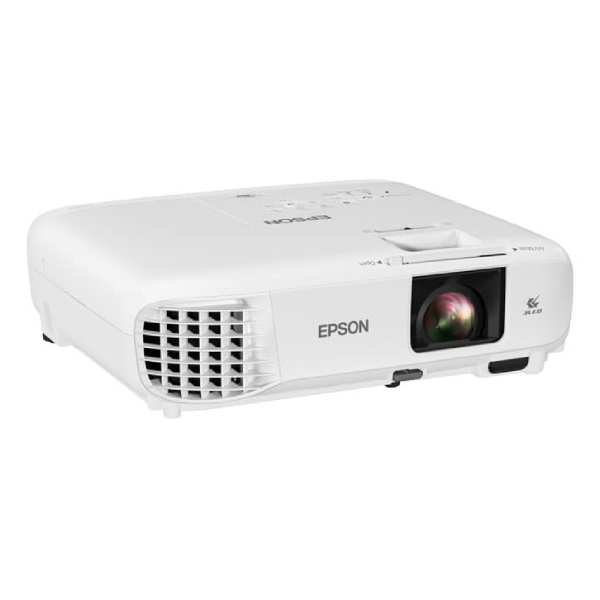
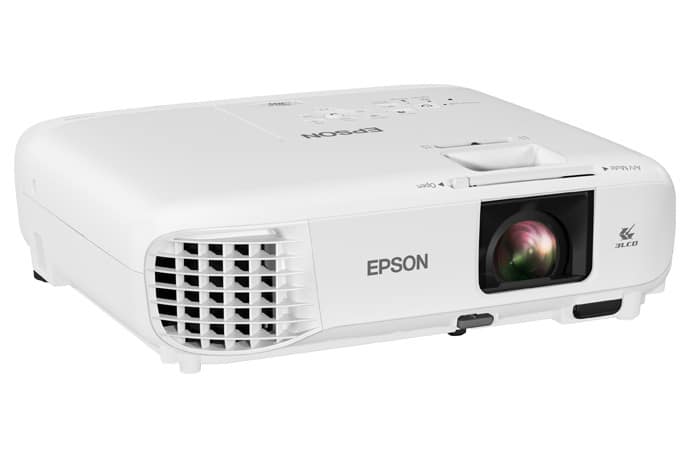
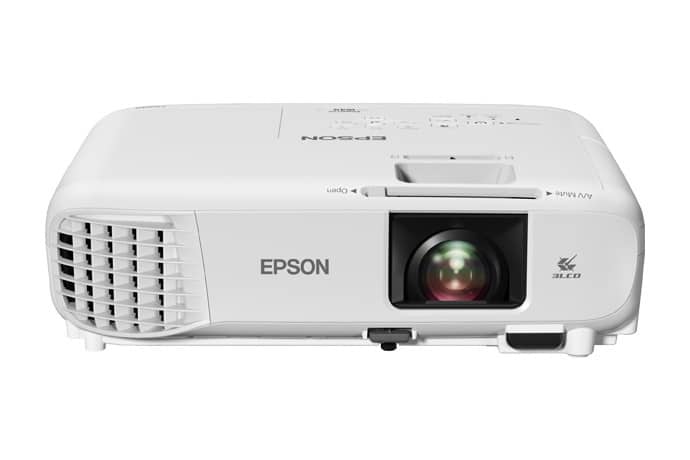
Epson W49 3LCD WXGA Classroom Projector with HDMI
Increase collaboration in the classroom with the PowerLite W49 projector.
Designed to maximize engagement
enrich lesson plans, this powerful WXGA projector delivers eye-catching, widescreen displays with 3,800 lumens of color and white brightness.
Featuring an integrated Moderator function, the PowerLite W49 allows up to 50 users to connect to the display
share content from laptops or mobile devices.
A convenient, durable addition to any learning environment, it also offers a long lamp life up to 17,000 hours in ECO Mode
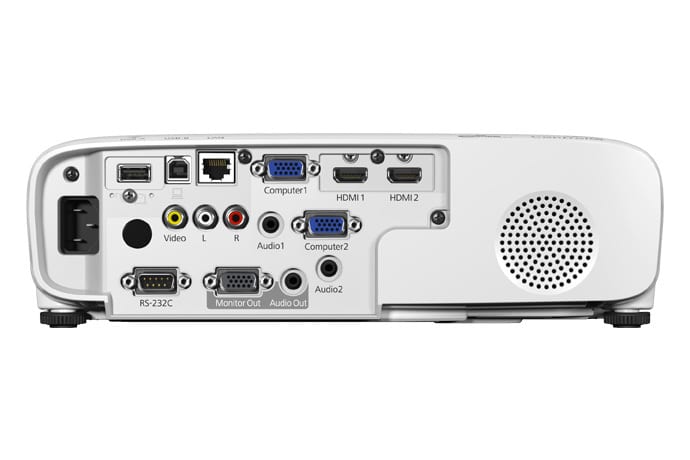
includes dual HDMI® ports for easy connectivity to a variety of high-definition AV devices.
3,800 lumens of color and white brightness
Native WXGA resolution and 16:10 aspect ratio
Long lamp life up to 17,000 hours in ECO Mode
Built-in Moderator function2 for easy sharing
Advanced network connectivity
Epson
3-chip 3LCD technology for Best-in-Class Color Brightness53,800 lumens of color and white brightness1 Bright, widescreen imageswith native WXGA resolution and a 16:10 aspect ratio Low-priced, long-lasting lampup to 17,000 hours in ECO Mode4 Moderator function2allows up to 50 users to connect to the display simultaneously perfect for displaying a variety of content or comparing students’ work side-by-side Advanced network connectivityRJ-45 allows remote network projector management, presentations over the network, and more Project from laptops and mobile deviceswirelessly display from PC, Mac®, Chromebook™, iOS® and Android™ devices3
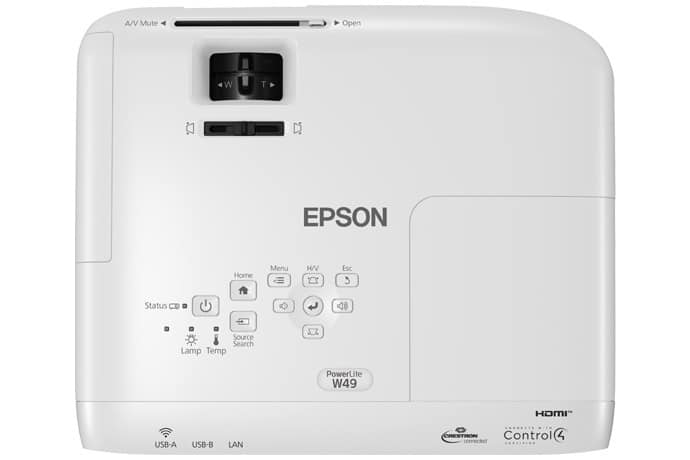
- Easy setup and positioning flexibility — offers 1.2x optical zoom, ±30 degrees horizontal and vertical keystone correction, and Quick Corner®
- Dual HDMI ports — supports multiple high-definition AV devices
- Built-in 5 W speaker — for engaging projector displays
- Screen size up to 320″ — with Split Screen6 capability for side-by-side viewing
Eco Features
- RoHS compliant
- Recyclable product7
- Epson America, Inc. is a SmartWay™ Transport Partner8
What’s in the box:
- PowerLite W49 Projector
- Power cord
- Computer cable (HDMI)
- Projector remote control
- Batteries
- Software CD
- Quick setup sheet
- Warranty card
1. Color brightness (color light output) and white brightness (white light output) will vary depending on usage conditions.
Color light output measured in accordance with IDMS 15.4; white light output measured in accordance with ISO 21118.
2. Lamp life will vary depending upon mode selected, environmental conditions and usage. Lamp brightness decreases over time.
3. Split Screen feature requires remote control. Consult your user manual for input combinations.
4. For wireless functionality, including via the Epson iProjection™ App
the projector must be configured on a network, either through the Ethernet port on the projector (check model specifications for availability)
via a wireless connection. Check your owner’s manual to determine if a wireless LAN module must be purchased separately to enable a wireless connection.
Not all Epson® projectors are able to be networked. The Epson iProjection App does not support all files and formats. See www.epson.com for details.
5. Windows only.
6. Internet connection required for download. Data usage fee may apply.

 13%
13% 25%
25% 4%
4% 8%
8% 10%
10%