Description
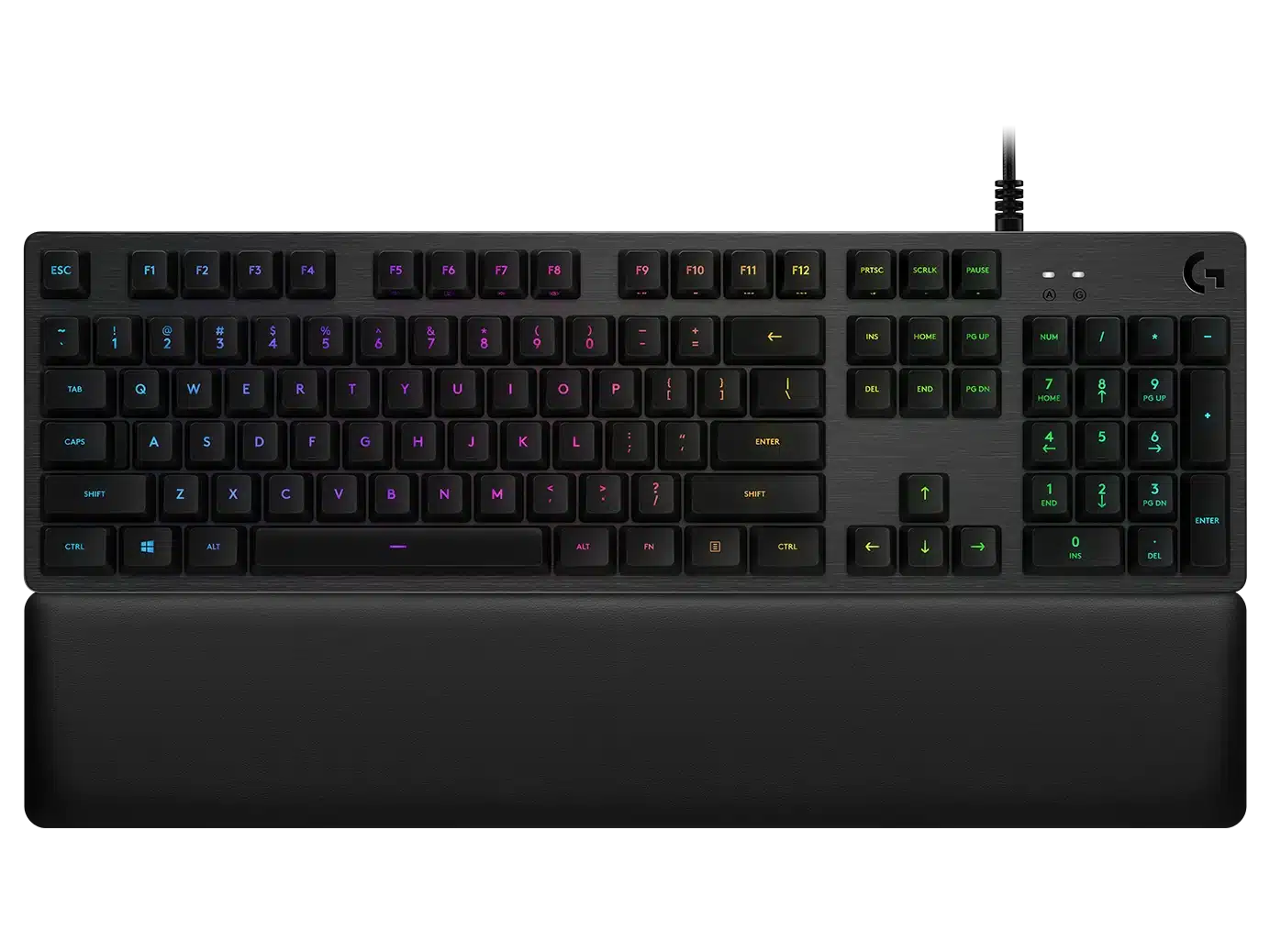
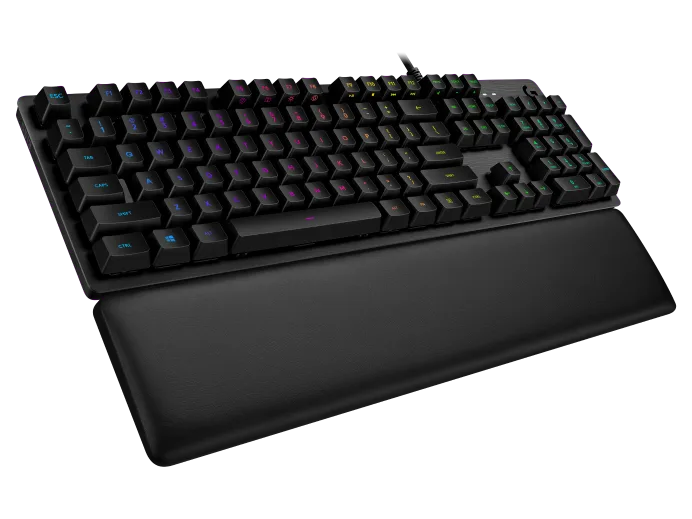
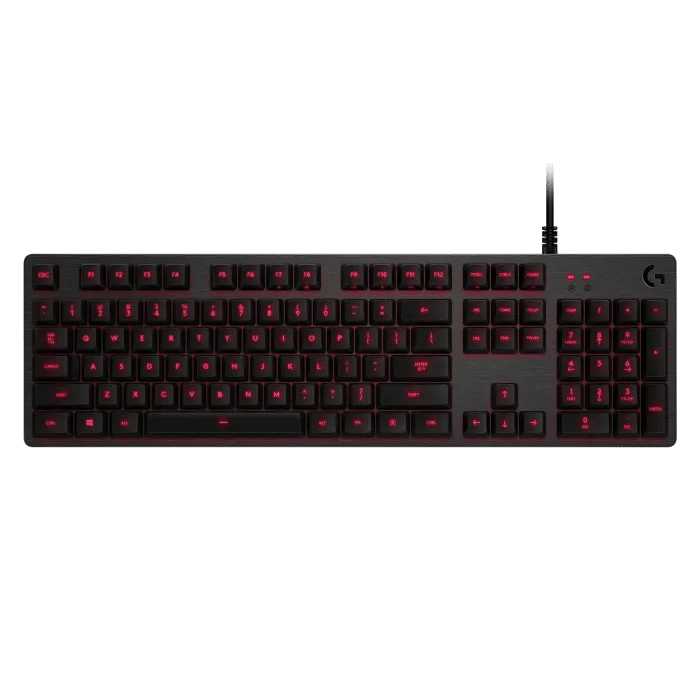
Logitech-G513 Carbon RGB Mechanical Gaming Keyboard, GX Blue (Clicky) – CARBON – US INT’L – INTNL
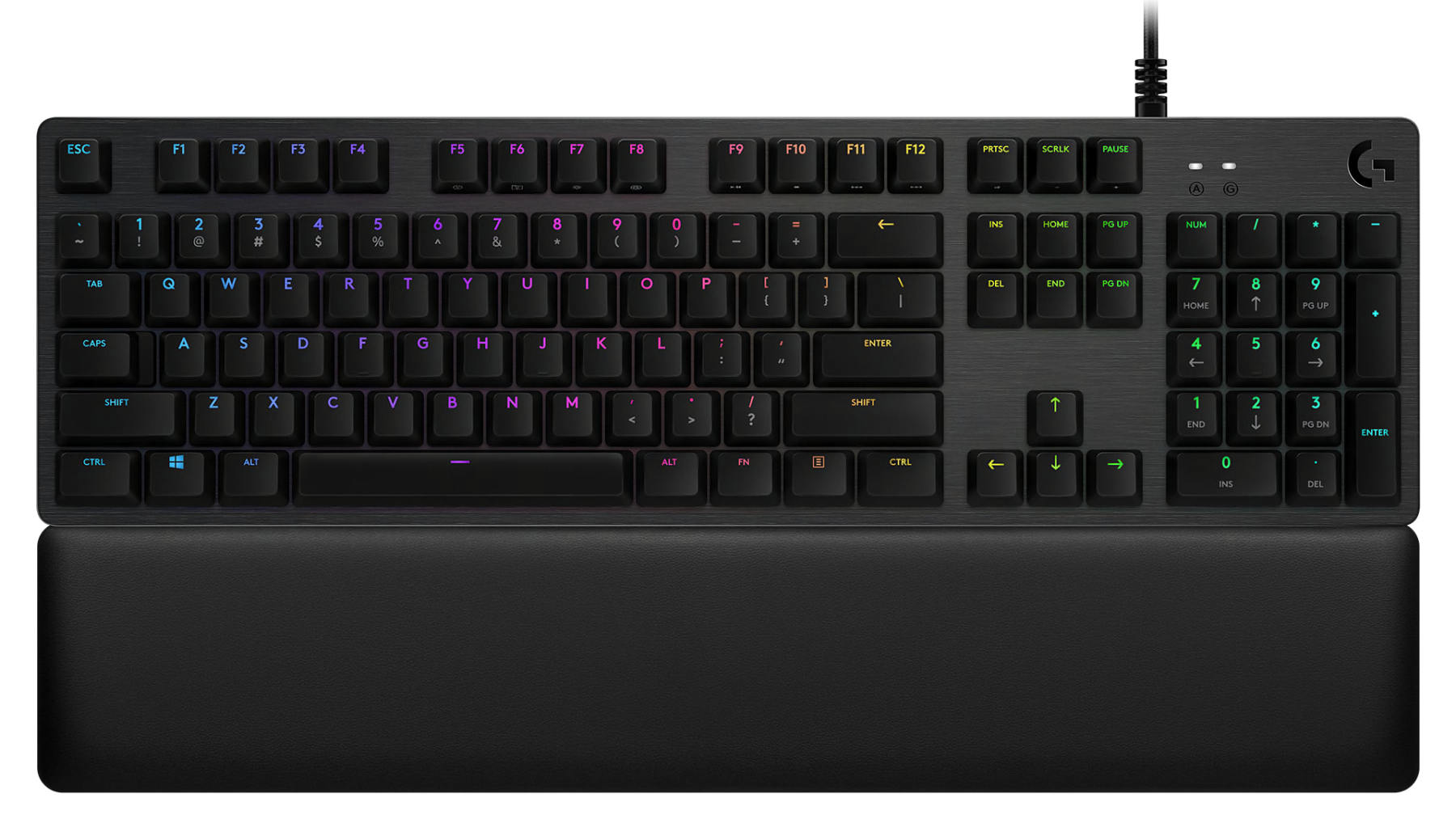
G513 can be customizable per key with approximate 16.8 M colors. Create your own animations or choose from a selection of preset effects. And with LIGHTSYNC technology, lighting is driven by games, audio, or your screen to deliver the most immersive RGB experience ever. *Advanced settings require Logitech G HUB available for download at logitech.com/downloads*
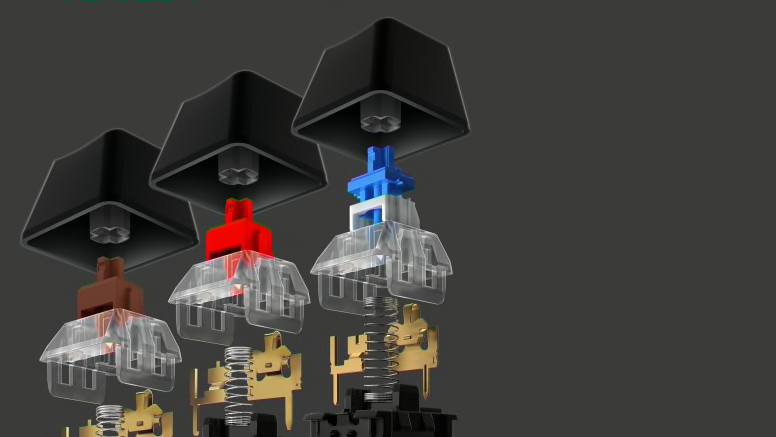
CHOICE OF MECHANICAL SWITCH
Romer-G is quieter and 25% faster than standard mechanical switches. Now available in two distinct versions: Tactile or Linear. Romer-G Tactile is the original profile, providing a discernible actuation point that you can feel, while Romer-G Linear provides a completely smooth keystroke.2 More on Mechanical Switch Options
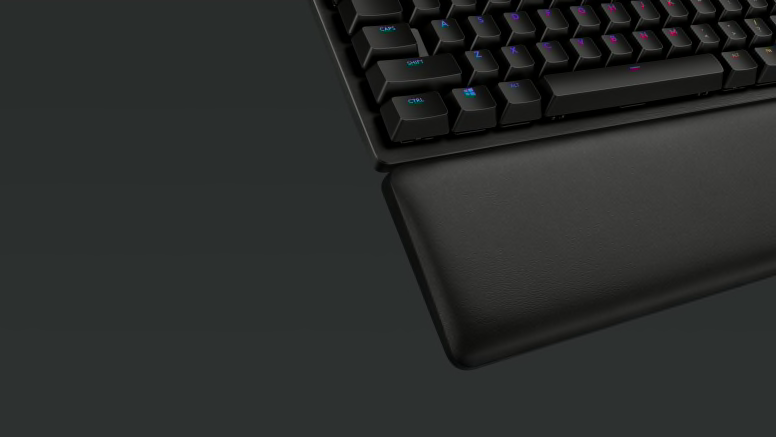
The memory foam quickly and fully recovers from pressure, so every use is as as comfortable as the first. Soft, strong and durable leatherette wraps the comfort foam in a waterproof and sweat-resistant material that easily wipes clean. Six bottom-mounted rubber feet keep it firmly in place. This palmrest is ready to game.
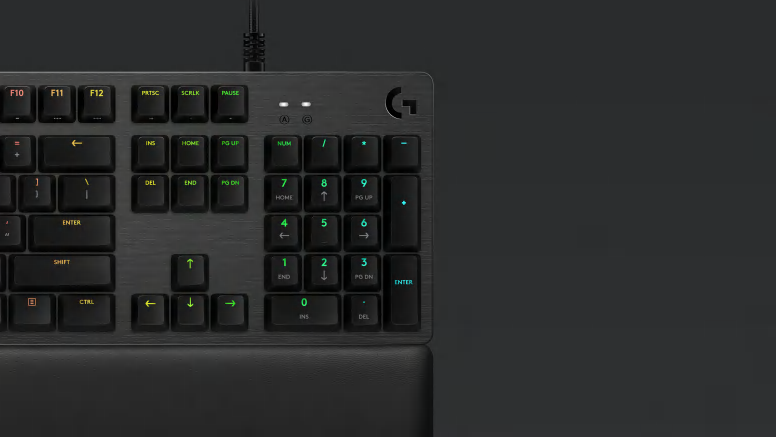
Aircraft-Grade Aluminum Alloy
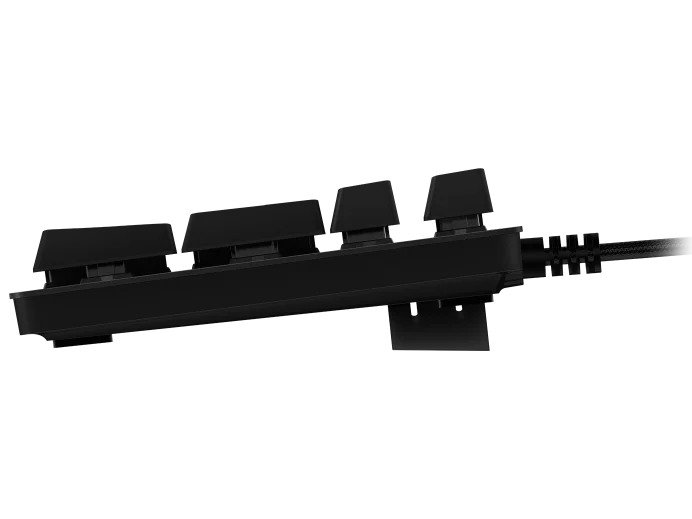
G513 is crafted from incredibly strong and durable 5052 aluminum-magnesium alloy which allows for both a minimal design and a beautiful aesthetic. The rigidity of 5052 alloy also provides a sturdy, non-slip chassis that houses a full suite of features for an unbeatable gaming experience.
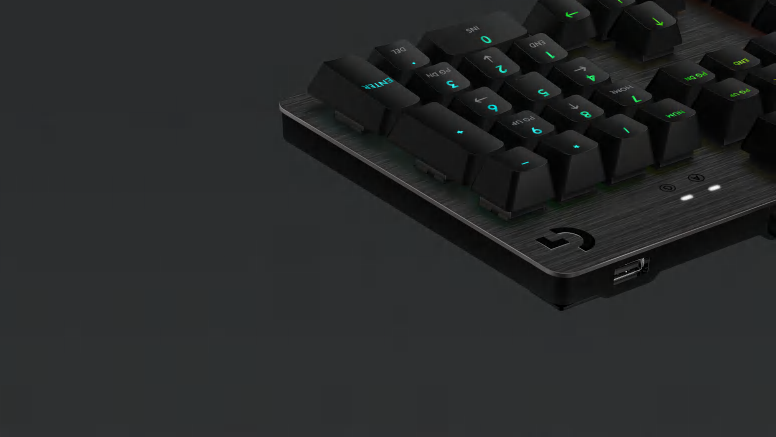
Convenience and speed are directly within reach. The additional, dedicated USB cable connects the USB passthrough port to its own input for full power throughput and data speed. Plug in a device to charge or plug in a mouse to charge your adversaries, without missing a beat.
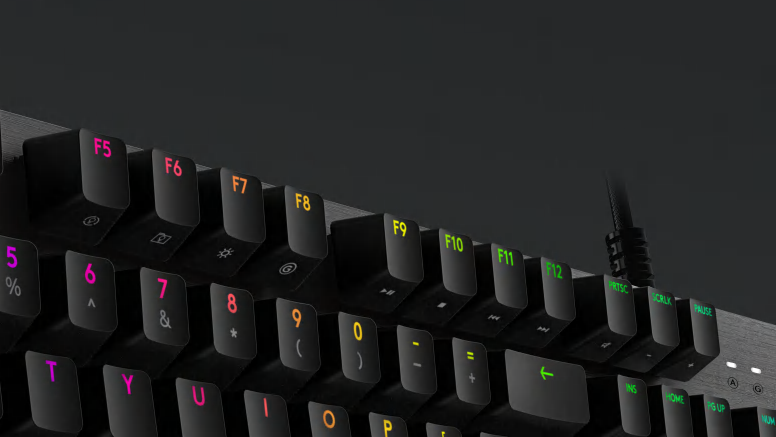
Media and lighting controls are right at your fingertips. Use the FN key to control volume, play and pause, mute, toggle game mode, change lighting effects, etc. Use the FN toggle feature in Logitech Gaming Software (LGS) and configure your function keys to perform these alt commands by default.
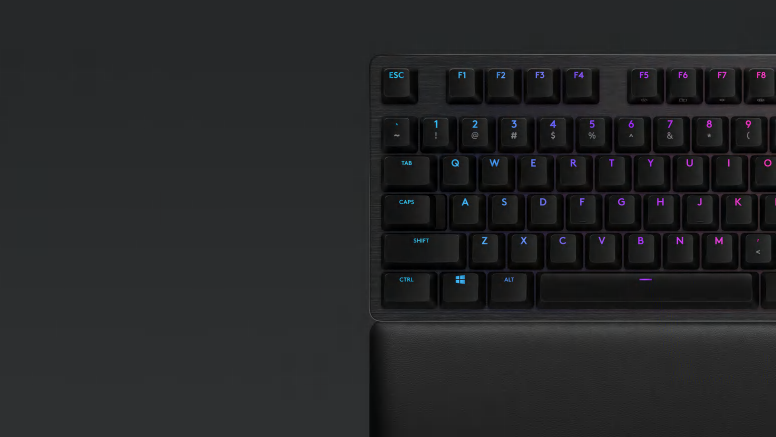
Dedicated Gaming Features
Don’t lose a game because you fat-fingered the Windows® key. Toggle game mode with FN F8. Deactivate additional keys using Logitech G HUB. Store per-key RGB lighting profiles in the onboard memory for use on any system. *Advanced settings require Logitech G HUB available for download at logitech.com/downloads*
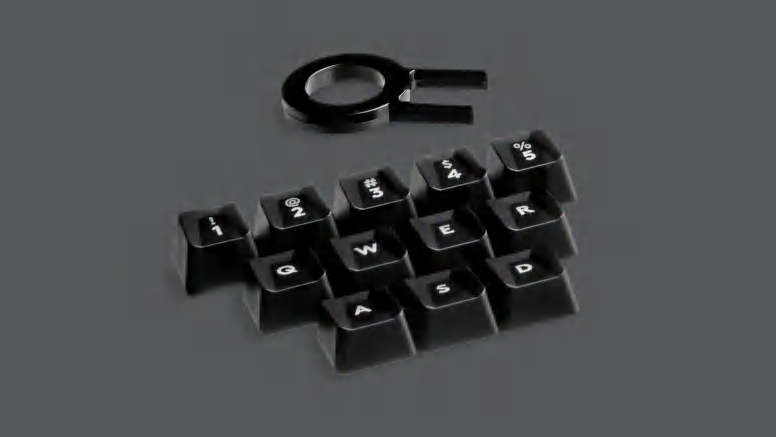
12 additional keycaps come with G513, so you can upgrade critical gaming keys to be as heroic as your gameplay. Swap them fast and easy with the included puller to remove your Romer-G keycaps.
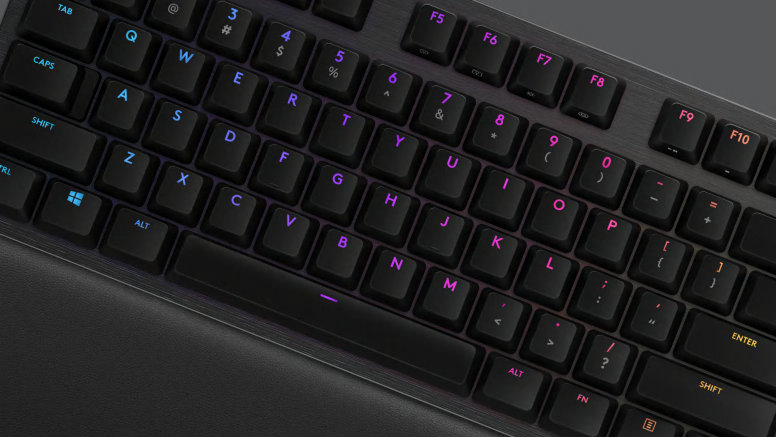
26-Key Rollover and Anti-Ghosting
Press multiple keys simultaneously in any order and get exactly what you intended with 26-key rollover. Performance-tuned anti-ghosting gives you reliable control when multiple gaming commands are given simultaneously.
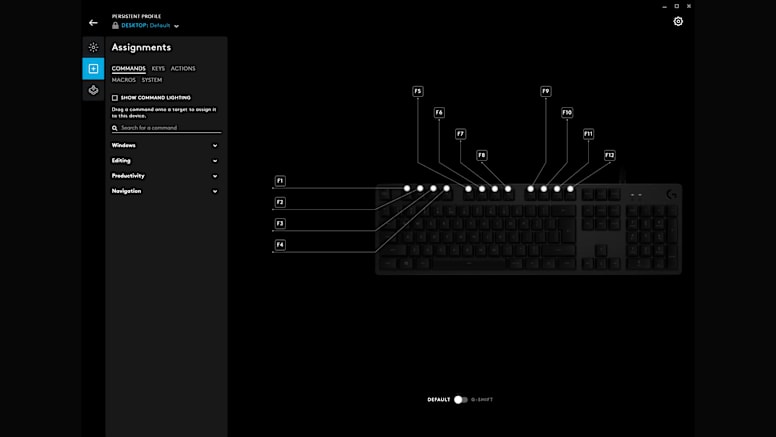
Use Logitech Gaming Software to program custom functions and macro commands on F1-F12 buttons. Make your gaming life easier. Execute complex commands, or unleash a timed series of actions or spells with the press of a button. Download LGS Now