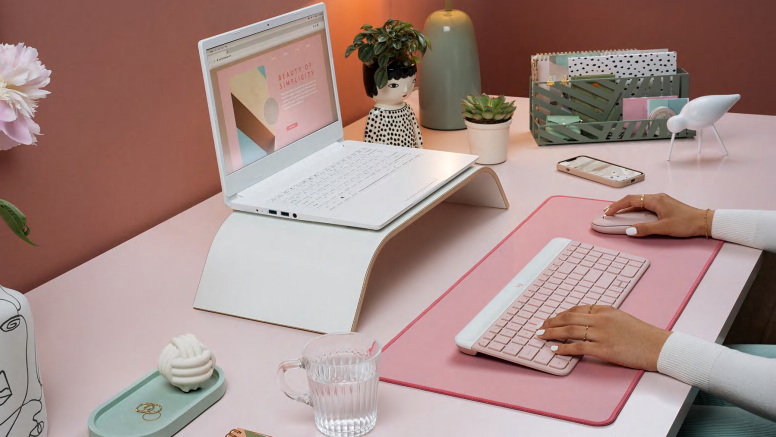
MINIMALIST. MODERN. SLIM.
The MK470 Slim Combo stands out for its simplicity. The slim profile and minimalist design transform your keyboard and mouse into a visual statement for a clean, sleek desk setup.

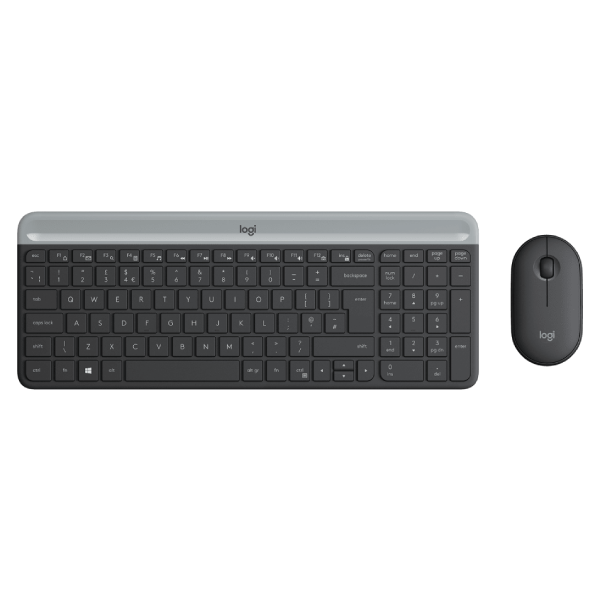
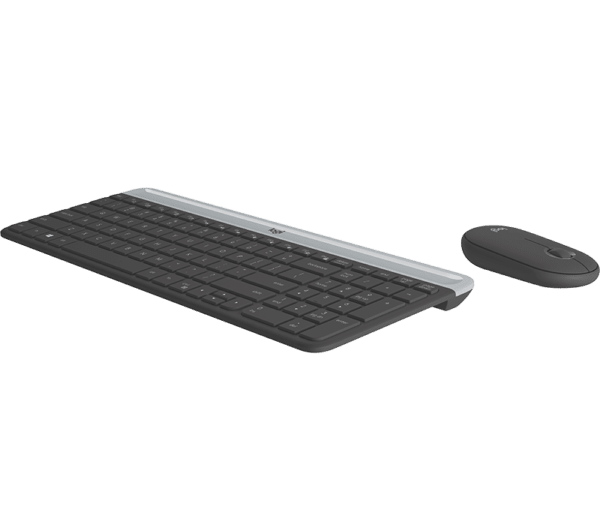
Logitech MK470 Slim Wireless Keyboard & Mouse Combo
Make any space minimalist, modern, and whisper-quiet with the MK470 Slim Wireless Combo – an ultra-thin and design-forward keyboard and mouse combo perfect for getting things done efficiently – even in the tightest desk spaces

The MK470 Slim Combo stands out for its simplicity. The slim profile and minimalist design transform your keyboard and mouse into a visual statement for a clean, sleek desk setup.
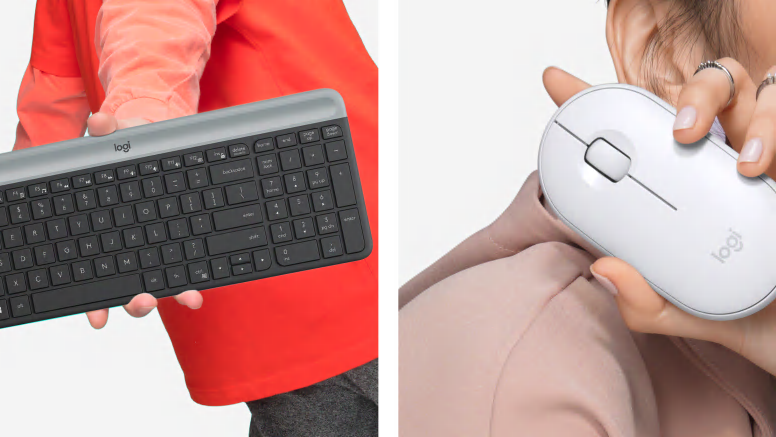
The compact keyboard includes a number pad and 12 FN shortcuts, giving you all the keys you need for efficient data entry,in a tighter key layout. The slim mouse is extra portable and you can easily store it in your laptop bag or in your pocket for on-the-go productivity. The combo’s smaller footprint means you can work on the tightest desk spaces and keep your mouse comfortably within reach.

Low-profile scissor keys provide a fluid and familiar laptop-like typing experience. The smooth pebble shape of the ambidextrous mouse feels great in either hand.

A quiet keyboard and lab-tested, 90% noise-reduced mouse mean an ultra quiet work experience for you and those around you.

A simple plug-and-play USB receiver offers a strong 2.4 GHz wireless connection with 10 meters of range. This means you will have a clean, cable-free desk and the freedom to arrange your devices the way you want-where you want.

18-month battery life for the mouse, and 36-month battery life for the keyboard means you don’t have to worry about losing power. Both accessories go into battery-saving sleep mode when not in use.
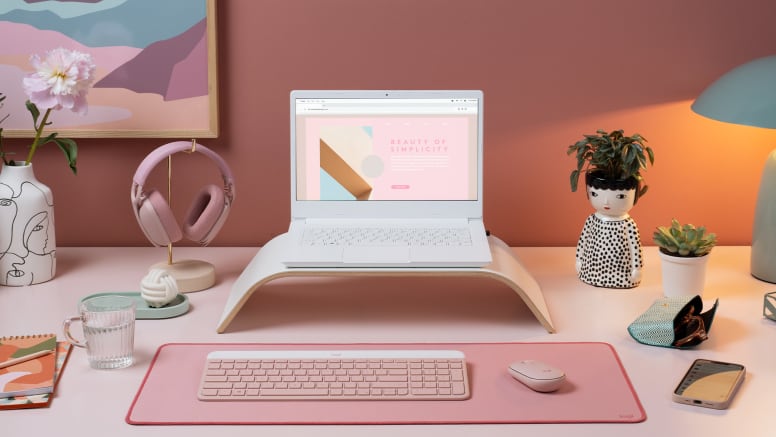
Great video and audio go a long way in boosting communication in virtual meetings and presentations. Add a modern webcam and headset to complete your work-from-home setup. Choose matching colorways or mix and match!
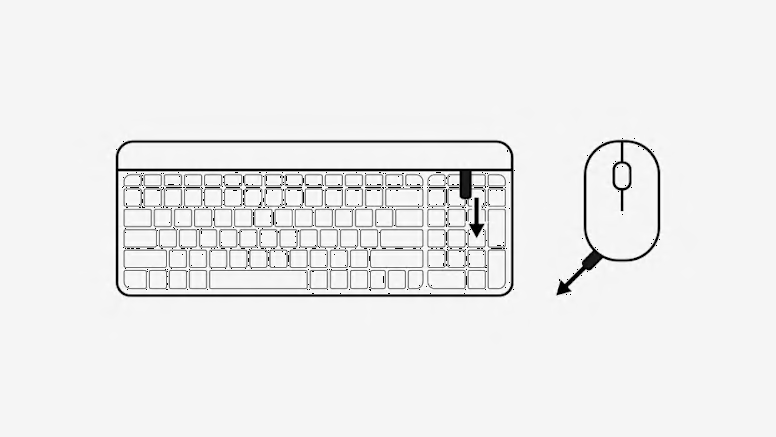
Remove the Pull-Tab First, pull the tabs protecting the batteries from your mouse and keyboard. Your Slim Combo MK470 will automatically turn on.
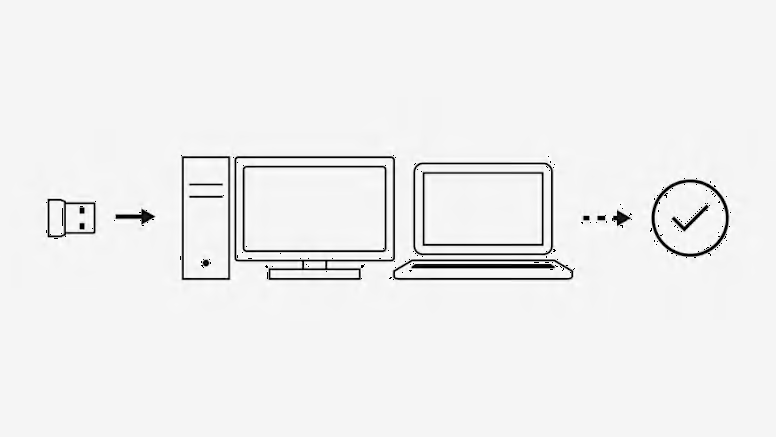
Connect via USB Insert the USB receiver in any available USB port on your desktop or laptop. Your keyboard and mouse will be ready to use.
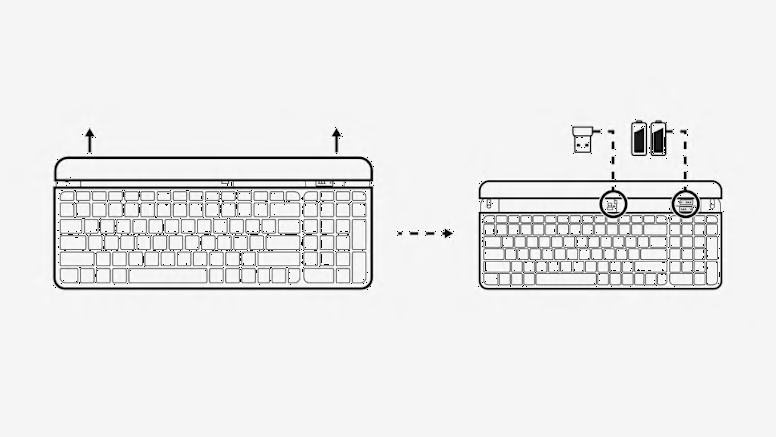
How to remove the keyboard battery Slide the upper part of the keyboard up to find the batteries and receiver storage inside.

 9%
9%