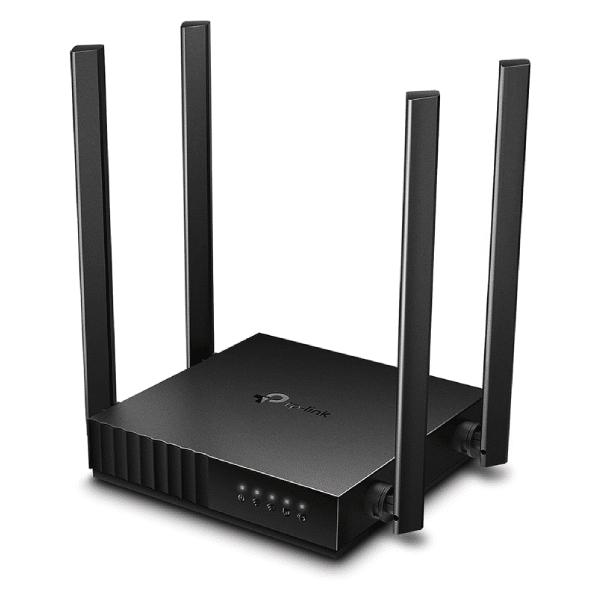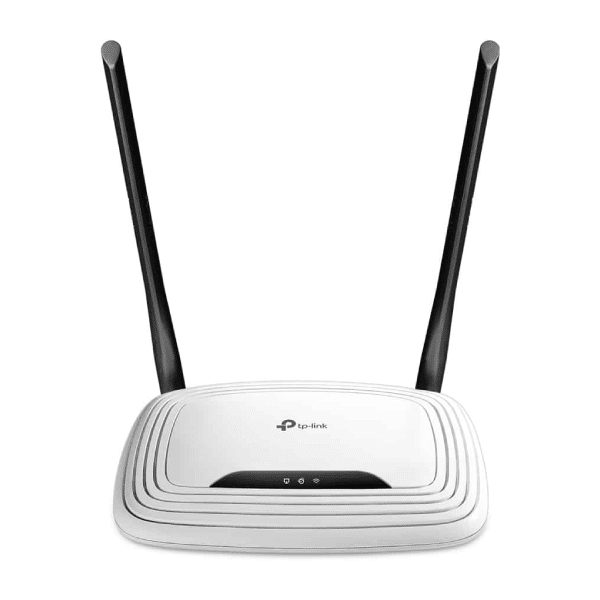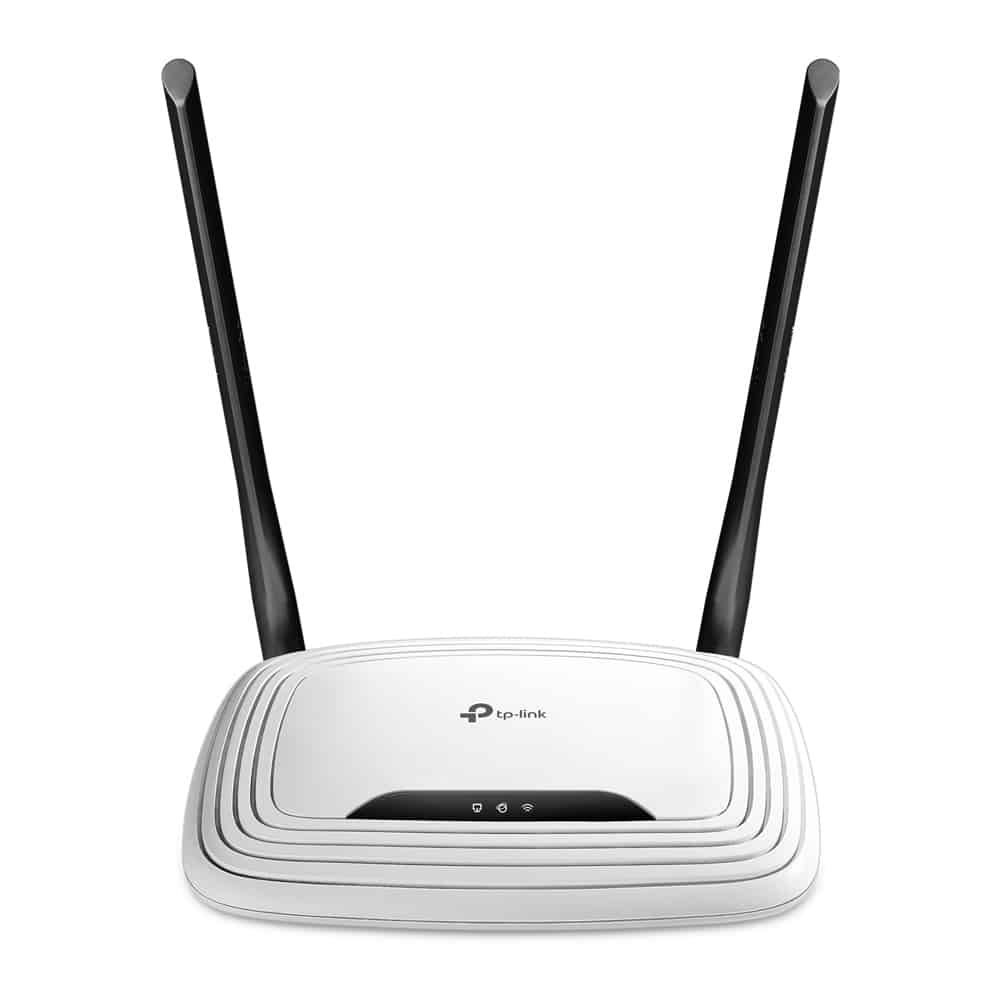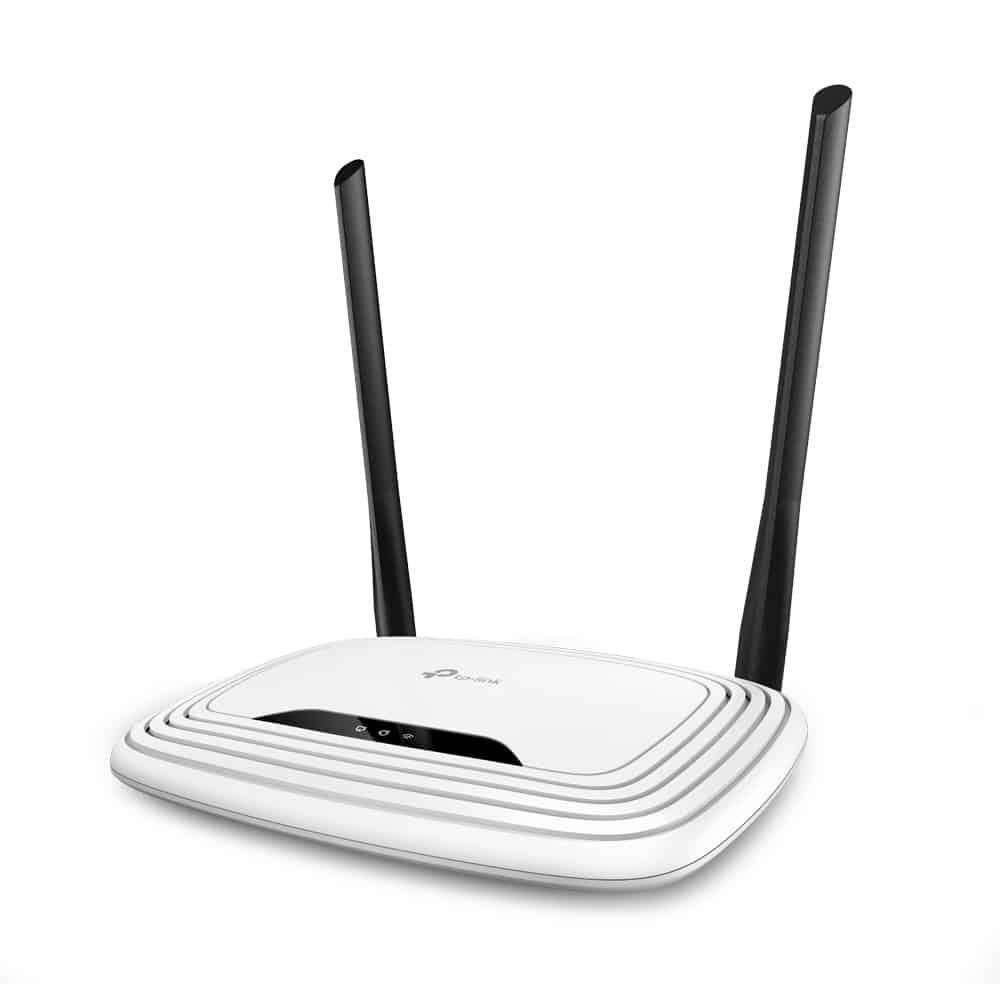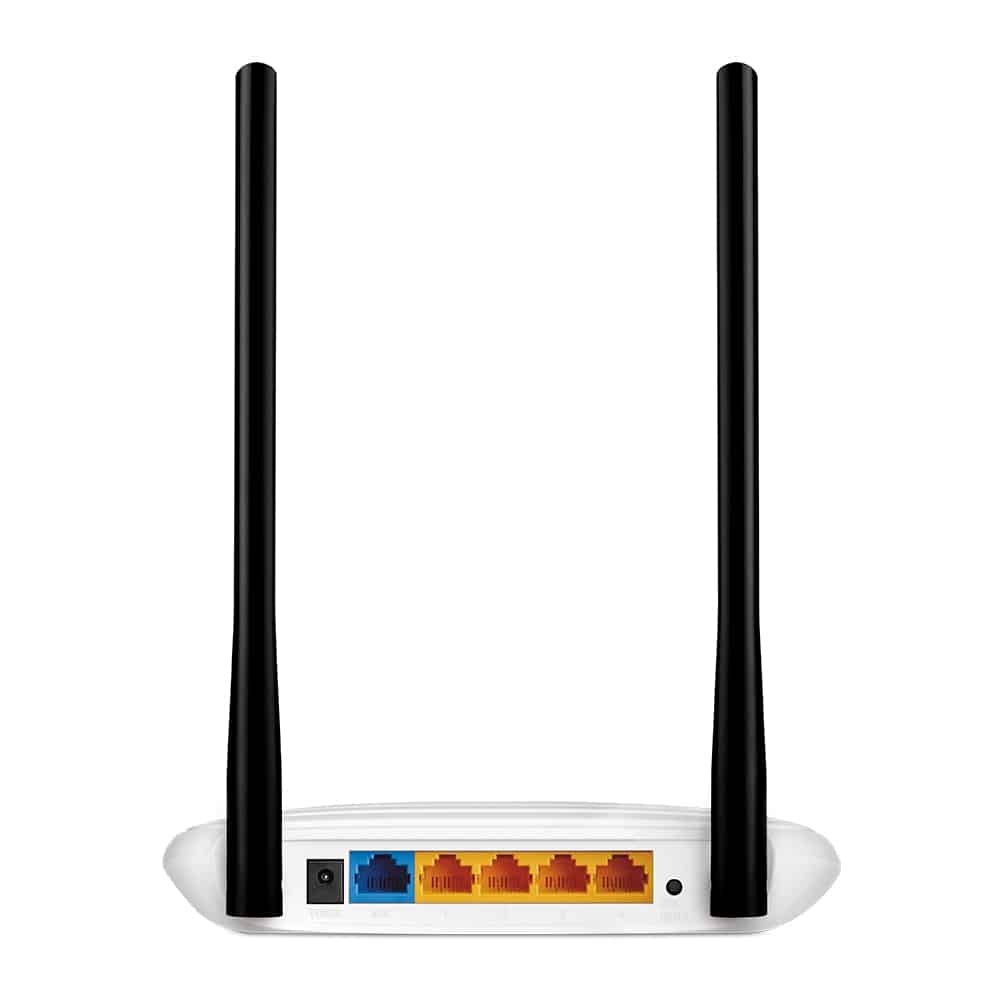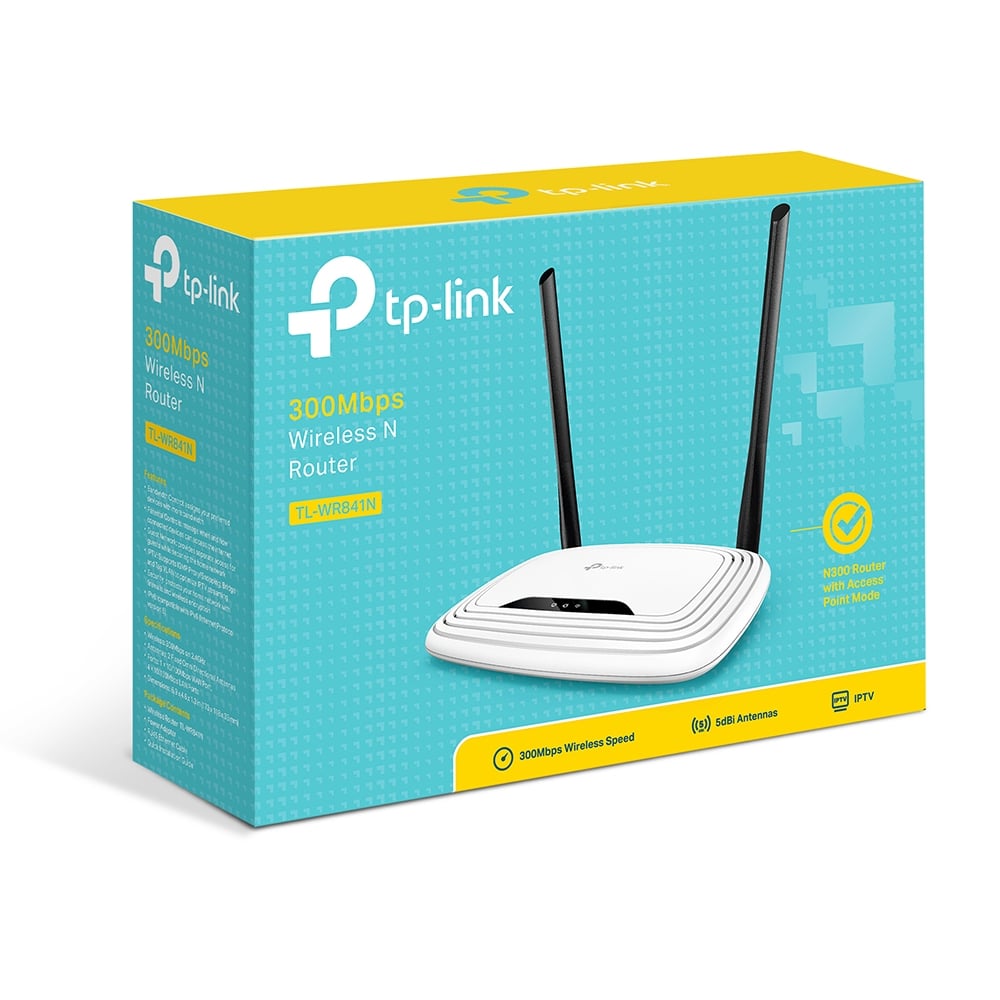
The TP Link TL WR841N 300Mbps Wireless Router is ideal for setting up a wireless network for applications with a high bandwidth requirement. Thanks to backward compatibility with WiFi 802.11b/g products, this router lets you share large files at higher speeds. The 4 LAN ports and 1 WAN port enable you to build a strong wired network. With the help of two 5dBi fixed Omni directional antennae, signals are transmitted and received at any frequency that lies between 2.4 and 2.4835GHz. This router is compatible with computers that run on higher-known versions of Windows, Macintosh, and Linux operating systems. The parental control function aids you to manage Internet access for your little ones or a particular computer. Since the router measures 33.02x 193.04x 129.5 mm size, it can be conveniently installed in places that are tight on space.
WiFi Protected Setup
802.11b b/g/n
Management: Access Control, Local Management, Remote Management
Access Control: Parental Controls, Local Management Control, Host List, Access Schedule, Rule Management
Compatible with Win OS
Compatible with MAC OS
Working Modes: Wireless Router, Range Extender, Access Point, WISP
Since this wireless router meets the wireless network standards of WiFi 802.11n, this TP-Link router provides up to 15 times higher file transfer speeds, and 5 times the bandwidth you get with similar devices. Data is transmitted at rates of up to 300Mbps. The router prevents data loss when packets are sent to remote locations with multiple obstructions in the line of sight. This feature makes the router suitable for establishing connections between places that are situated a bit further away from each other. The router lets you stream HD digital content from compatible devices, and enjoy an online game, or a video chat with smooth connectivity and free from annoying lag.
As compared to WEP, TL WR841N offers you WPA and WPA2 encryptions that are much stronger, to prevent your data from being accessed by other unauthorized users. Regardless of whether the setup has been done for single or multiple computers, the WPA/WPA2 encryptions offer complete protection for your WLAN. These encryption standards have been created by industries listed under the WiFi Alliance.
With the help of a single button, the WiFi Protected Setup (WPS) functionality aids you to set up the network within a few minutes. It supports WPA2 encryption. Unlike WEP, your WiFi connection is secured by a relatively stronger wireless encryption. WPS eliminates the need for you to remember additional passwords.
The IP QoS (Quality of Service) keeps the connectivity at an optimal level at all times. It also enables you to control the bandwidth to reduce the build-up of traffic. In addition, it prevents people from abusing the services of the router. This helps in maintaining consistency in the range of frequencies whenever needed for essential applications within a small network.
The Easy Setup Assistant CD simplifies the process of setting up this wireless router. The application explains the steps in a better way and also enables you to adjust the wireless network settings and security configurations. You don’t need an experienced IT professional to install this device.
| WIRELESS | |
| Standards | Wi-Fi 4 IEEE 802.11n/b/g 2.4 GHz |
| WiFi Speeds | N300 2.4 GHz: 300 Mbps (802.11n) |
| WiFi Range | 2 Bedroom Houses
2× Fixed Antennas |
| WiFi Capacity | Legacy |
| Working Modes | Router Mode Access Point Mode Range Extender Mode WISP Mode |
| SECURITY | |
| Network Security | SPI Firewall Access Control IP & MAC Binding Application Layer Gateway |
| Guest Network | 1× 2.4 GHz Guest Network |
| WiFi Encryption | WEP WPA WPA2 WPA/WPA2-Enterprise (802.1x) |
| HARDWARE | |
| Processor | Single-Core CPU |
| Ethernet Ports | 1× 10/100 Mbps WAN Port 4× 10/100 Mbps LAN Ports |
| Buttons | Reset Button |
| Power | 9 V ⎓ 0.6 A |
| SOFTWARE | |
| Protocols | IPv4 IPv6 |
| Parental Controls | URL Filtering Time Controls |
| WAN Types | Dynamic IP Static IP PPPoE PPTP L2TP |
| Quality of Service | QoS by Device |
| NAT Forwarding | VIrtual Server Port Forwarding Port Triggering DMZ UPnP |
| IPTV | IGMP Proxy IGMP Snooping |
| DHCP | Address Reservation DHCP Client List Server |
| DDNS | NO-IP Comex DynDNS |
| Management | Tether App Webpage Check Web Emulator> |
| OTHER | |
| System Requirements | Internet Explorer 11 , Firefox 12.0 , Chrome 20.0 , Safari 4.0 , or other JavaScript-enabled browser
Cable or DSL Modem (if needed) Subscription with an internet service provider (for internet access) |
| Certifications | FCC |
| Environment | Operating Temperature: 0℃~40℃ (32℉ ~104℉) Storage Temperature: -40℃~70℃ (-40℉ ~158℉) Operating Humidity: 10%~90% non-condensing Storage Humidity: 5%~90% non-condensing |
| TEST DATA | |
| WiFi Transmission Power | FCC: <30dBm |
| WiFi Reception Sensitivity | 270M: -70dBm@10% PER 130M: -74dBm@10% PER 108M: -74dBm@10% PER 54M: -77dBm@10% PER 11M: -87dBm@8% PER 6M: -90dBm@10% PER 1M: -98dBm@8% PER |
| PHYSICAL | |
| Dimensions (W×D×H) | 6.9 × 4.6 × 1.3 in (173 × 118 × 33mm) |
| Package Contents | Wi-Fi Router TL-WR841N Power Adapter RJ45 Ethernet Cable Quick Installation Guide |
TP-Link TL-WR841N 300Mbps Wireless N Router (White)
The TP Link TL WR841N 300Mbps Wireless Router is ideal for setting up a wireless network for applications with a high bandwidth requirement. Thanks to backward compatibility with WiFi 802.11b/g products, this router lets you share large files at higher speeds. The 4 LAN ports and 1 WAN port enable you to build a strong wired network. With the help of two 5dBi fixed Omni directional antennae, signals are transmitted and received at any frequency that lies between 2.4 and 2.4835GHz. This router is compatible with computers that run on higher-known versions of Windows, Macintosh, and Linux operating systems. The parental control function aids you to manage Internet access for your little ones or a particular computer. Since the router measures 33.02x 193.04x 129.5 mm size, it can be conveniently installed in places that are tight on space.
WiFi Protected Setup
802.11b b/g/n
Management: Access Control, Local Management, Remote Management
Access Control: Parental Controls, Local Management Control, Host List, Access Schedule, Rule Management
Compatible with Win OS
Compatible with MAC OS
Working Modes: Wireless Router, Range Extender, Access Point, WISP
Since this wireless router meets the wireless network standards of WiFi 802.11n, this TP-Link router provides up to 15 times higher file transfer speeds, and 5 times the bandwidth you get with similar devices. Data is transmitted at rates of up to 300Mbps. The router prevents data loss when packets are sent to remote locations with multiple obstructions in the line of sight. This feature makes the router suitable for establishing connections between places that are situated a bit further away from each other. The router lets you stream HD digital content from compatible devices, and enjoy an online game, or a video chat with smooth connectivity and free from annoying lag.
As compared to WEP, TL WR841N offers you WPA and WPA2 encryptions that are much stronger, to prevent your data from being accessed by other unauthorized users. Regardless of whether the setup has been done for single or multiple computers, the WPA/WPA2 encryptions offer complete protection for your WLAN. These encryption standards have been created by industries listed under the WiFi Alliance.
With the help of a single button, the WiFi Protected Setup (WPS) functionality aids you to set up the network within a few minutes. It supports WPA2 encryption. Unlike WEP, your WiFi connection is secured by a relatively stronger wireless encryption. WPS eliminates the need for you to remember additional passwords.
The IP QoS (Quality of Service) keeps the connectivity at an optimal level at all times. It also enables you to control the bandwidth to reduce the build-up of traffic. In addition, it prevents people from abusing the services of the router. This helps in maintaining consistency in the range of frequencies whenever needed for essential applications within a small network.
The Easy Setup Assistant CD simplifies the process of setting up this wireless router. The application explains the steps in a better way and also enables you to adjust the wireless network settings and security configurations. You don’t need an experienced IT professional to install this device.
| Brand | TP-Link |
| Product Dimensions | 5.72 x 4.37 x 9.14 cm; 2 Grams |
| Batteries | 1 Lithium Ion battery is required. |
| Item model number | TL-WR841N |
| Manufacturer | TP-Link |
| Series | White |
| Color | White |
| Wireless Type | 802.11a |
| Voltage | 220 |
| Operating System | Windows 98 se |
| Are Batteries Included | No |
| Lithium Battery Energy Content | 2 Kilowatt Hours |
| Lithium Battery Packaging | Batteries packed with equipment |
| Lithium Battery Weight | 2 Grams |
| Number Of Lithium Ion Cells | 5 |
| Number of Lithium Metal Cells | 5 |
| Item Weight | 2 g |
TP-Link TL-WR841N
 13%
13%