

| Brand | |
|---|---|
| Model |
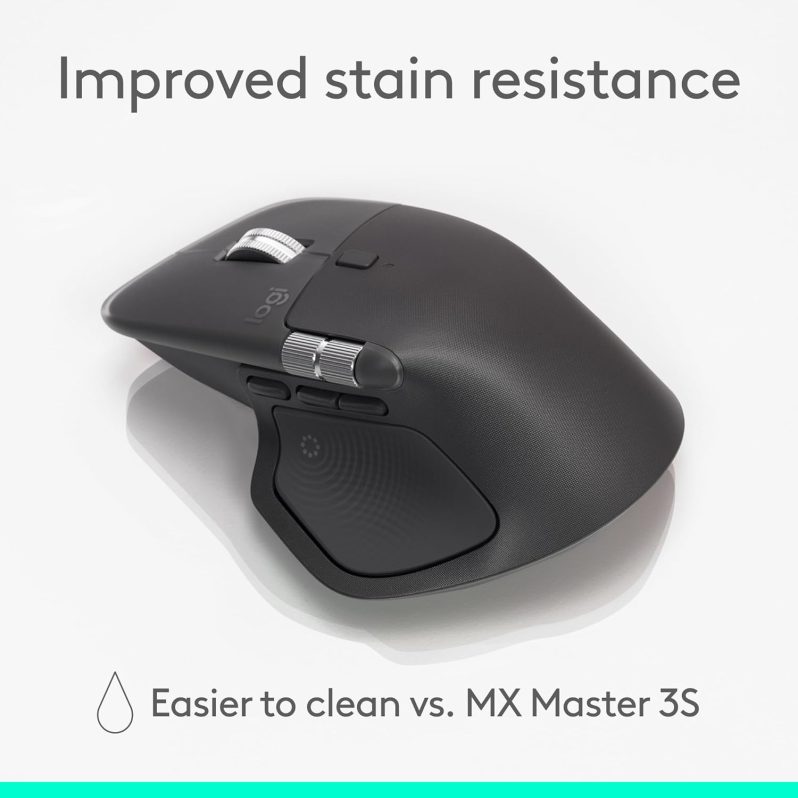
Take control of your workflow with the Logitech MX Master 4 Wireless Mouse, a premium productivity mouse built for creators, professionals, developers, designers, and power users. Designed for precision, comfort, and speed, the MX Master 4 combines 8K DPI tracking, MagSpeed scrolling, immersive haptic feedback, and multi-device connectivity to help you work smarter and faster every day.
Whether you’re editing high-resolution images, managing spreadsheets, navigating large documents, coding, or multitasking across multiple apps and devices, the MX Master 4 is engineered to deliver smooth performance, advanced customization, and all-day comfort.
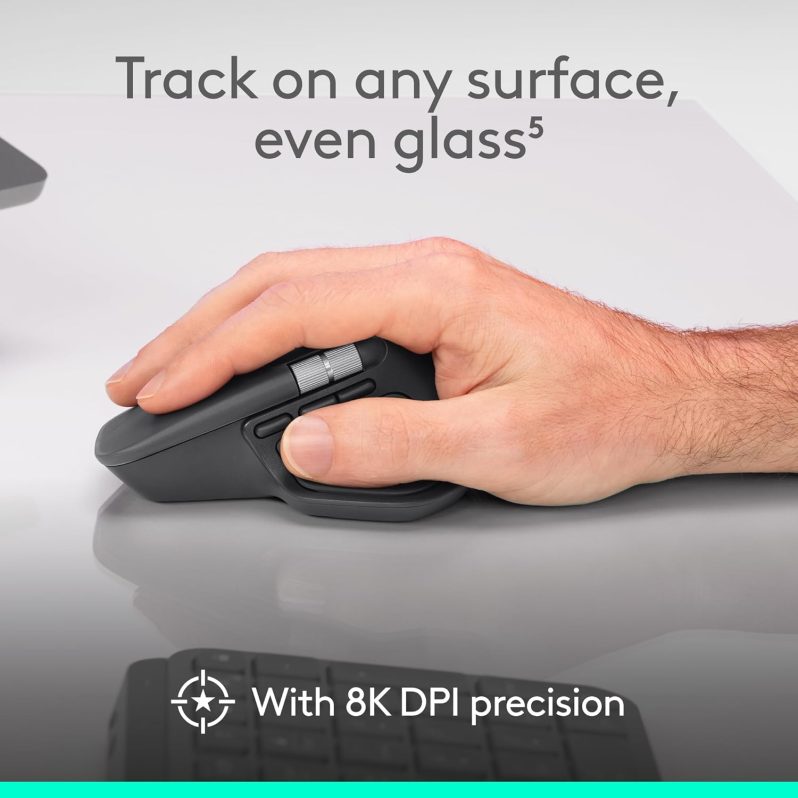
The MX Master 4 features Logitech’s high-precision Darkfield sensor with adjustable tracking from 200 to 8000 DPI, giving you accurate control across different display sizes and work environments. It tracks on almost any surface, including glass, making it ideal for flexible workspaces, office desks, and creative setups.
This level of control makes it a strong choice for:
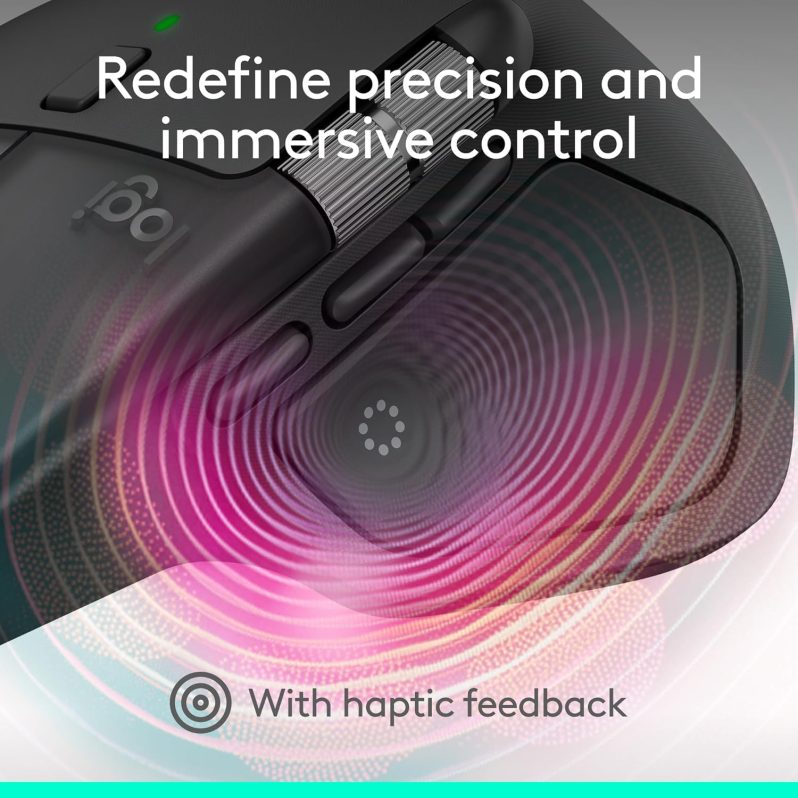
One of the standout upgrades in the MX Master 4 is the Haptic Sense Panel, which adds tactile feedback to supported actions and shortcuts. This creates a more responsive workflow by letting you physically feel actions like desktop switching, snapping objects into place, adjusting sliders, or triggering commands in supported software.
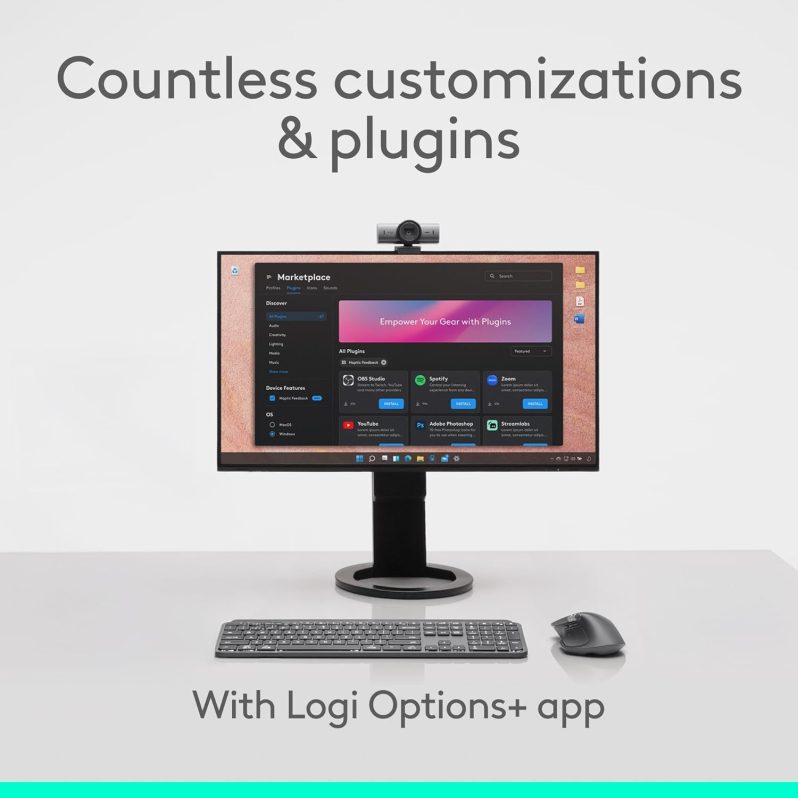
With Logitech software, users can customize the feedback intensity and personalize how the mouse responds during editing, productivity, and navigation tasks.
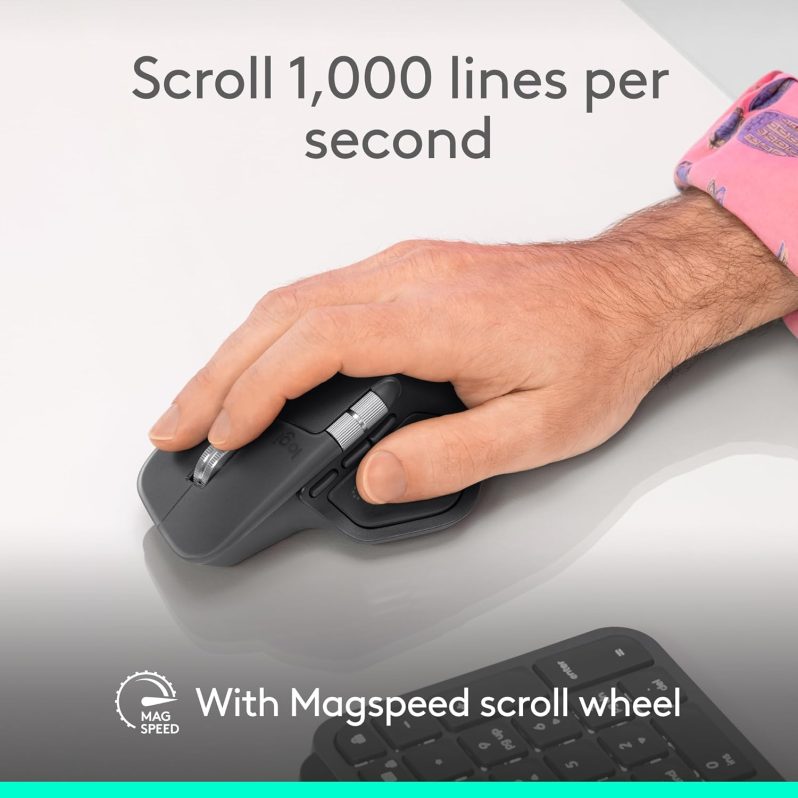
The MagSpeed scroll wheel is built for both speed and precision. It can scroll through up to 1,000 lines per second, making it perfect for long documents, spreadsheets, code, or creative timelines. It also intelligently switches between ratchet mode for precise line-by-line scrolling and hyper-fast mode for rapid navigation.
The result is a smoother, quieter, and more efficient experience for anyone who spends long hours working on a computer.
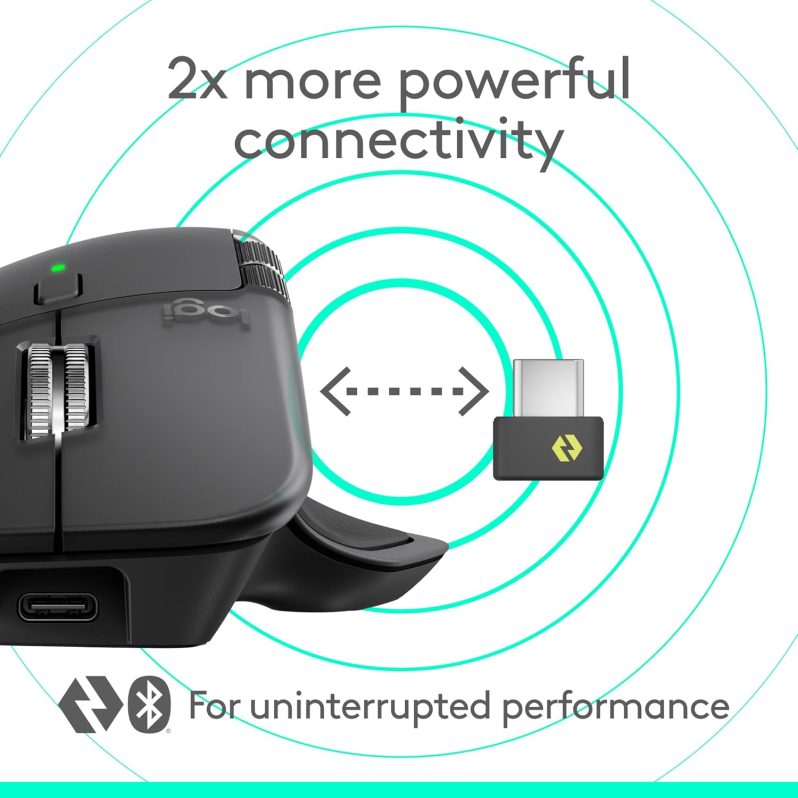
MX Master 4 supports Bluetooth Low Energy 5.1 and includes a USB-C Logi Bolt receiver, giving you flexible and reliable wireless connectivity. You can pair the mouse with up to 3 devices and switch between them easily, making it ideal for users who work across a desktop, laptop, and tablet.
It is compatible with a wide range of platforms including:
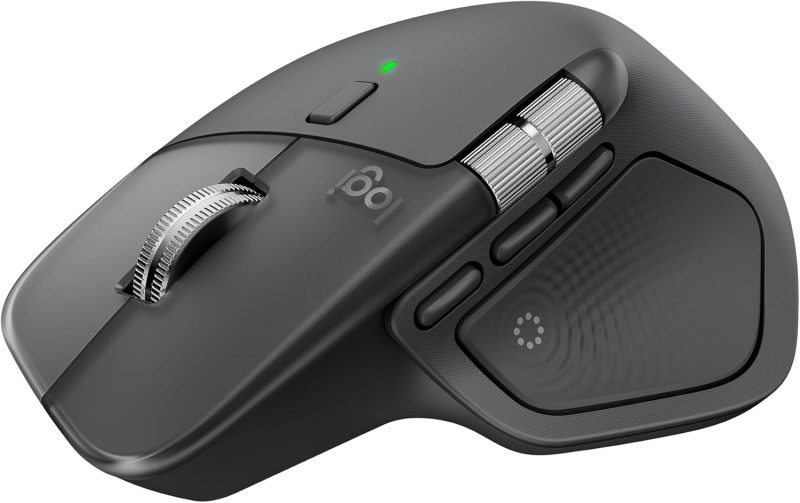
Designed for extended productivity sessions, the MX Master 4 offers an ergonomic shape that supports the hand naturally and keeps key controls within easy reach. Its optimized thumb rest, well-positioned buttons, and horizontal thumb wheel help reduce unnecessary movement while improving comfort and control.
It’s especially useful for professionals who spend long hours:
The built-in rechargeable battery is designed to keep up with demanding users, offering up to 70 days of battery life on a full charge. When power runs low, the quick-charge function gives you up to 3 hours of use from just a 1-minute charge, helping reduce interruptions and keep you productive.
| Specification | Details |
|---|---|
| Brand | Logitech |
| Model | MX Master 4 |
| Product Type | Wireless Productivity Mouse |
| Sensor | Darkfield High Precision Sensor |
| DPI Range | 200 – 8000 DPI |
| Scroll Wheel | MagSpeed Electromagnetic Scroll Wheel |
| Buttons | 8 Programmable Buttons |
| Thumb Wheel | Yes |
| Gesture Button | Yes |
| Connectivity | Bluetooth LE 5.1 / USB-C Logi Bolt Receiver |
| Wireless Range | Up to 10 meters |
| Multi-Device Support | Up to 3 devices |
| Battery Type | Rechargeable 650mAh |
| Battery Life | Up to 70 days |
| Charging | USB-C Quick Charging |
| Dimensions | 128.15 × 88.35 × 50.8 mm |
| Weight | 150 g |
| Compatible OS | Windows, macOS, Linux, ChromeOS, iPadOS, Android |
| Warranty | 2-Year Limited Hardware Warranty |
 9%
9%
 8%
8%